
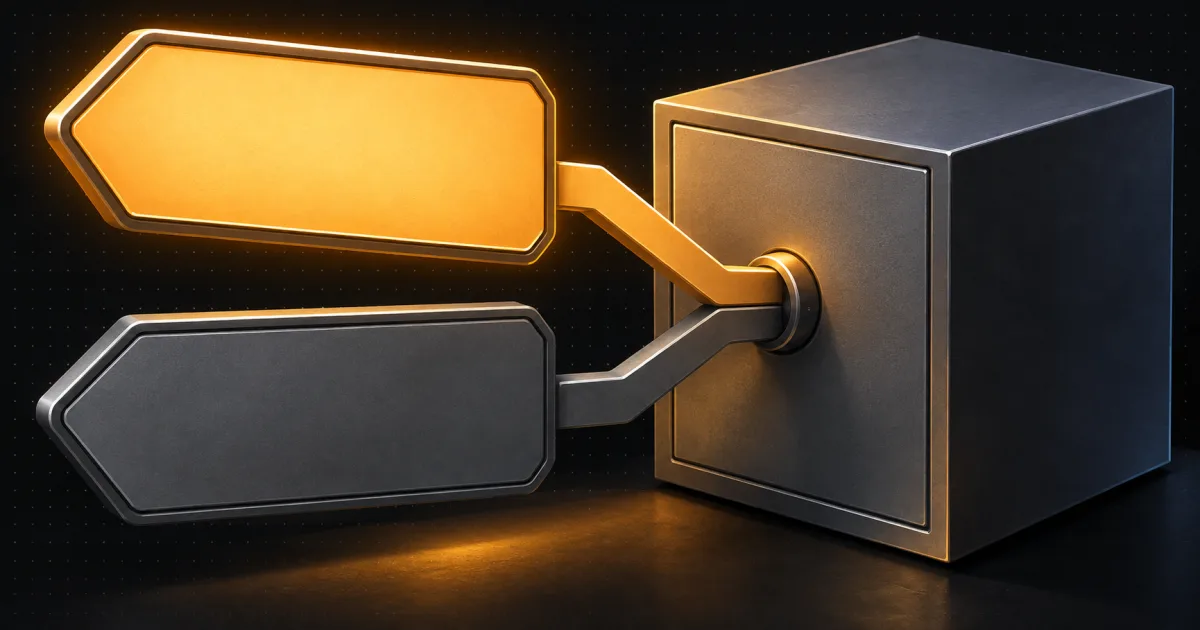
An email alias is a second address that delivers to a mailbox that already exists. With [email protected] added as an alias on Dana’s mailbox, every message sent there lands in Dana’s inbox, next to her own mail.
What an email alias is
An admin adds the alias to an account that is already there, and mail to the new address arrives next to mail to the primary address. Google’s Workspace documentation puts it plainly: an alias is a forwarding email address that an admin adds to a user’s primary email address, and messages sent to the alias route to the primary account’s inbox, per Add or delete an alternate email address (email alias).
Microsoft uses a different word for the same object. The extra addresses on its mailboxes are proxy addresses, and any message sent to a proxy address is delivered to the primary email address, also called the default reply address, per Add or remove email addresses for a mailbox in Exchange Online.
An alias is not an account. Google states that aliases are not Google Accounts, so nobody signs in with one; a person reads alias mail by signing in to the primary account. There is no credential to issue and no password to reset.
What differs between an alias and a mailbox of its own
To a sender the two are identical. Someone types [email protected], gets a reply, and never learns whether a mailbox or an alias sits behind it.
The difference shows up inside. If [email protected] is an alias on [email protected], the message lands in Dana’s inbox, counts against her storage, and appears in her search results. If [email protected] is a real mailbox, it has its own Inbox and Sent folder, its own quota and its own sign-in, and it keeps existing after Dana leaves.
An admin can tell from the console, where an alias sits under a user and a mailbox is a user. The person answering can tell because there is no second Inbox to open: alias mail arrives mixed with their own. Only one user receives mail at a Google Workspace alias, though several can send from it once each sets a custom From address, per the same Workspace documentation.
| Shape | What it is | Where the message lands | Has its own sign-in |
|---|---|---|---|
| Alias | A second address on a mailbox that exists | The mailbox that owns it | No |
| Separate mailbox | An account with its own address | Its own Inbox | Yes |
| Forwarding | A rule on an address that sends mail on | The address the rule names | No |
| Plus address | A tag on an existing address, after a plus sign | The same mailbox | No |
Alias against forwarding
Both shapes make one address deliver somewhere else, which is why people use the words as synonyms. They are built differently. An alias is registered on a mailbox, so the message is delivered there as ordinary mail. Forwarding is a rule that sends the message on to another address, which can sit outside your company, and a setting decides whether the original destination also keeps a copy.
Microsoft treats forwarding as a setting on the mailbox, off by default, with a checkbox that decides whether the message also stays where it arrived: “Deliver message to both forwarding address and mailbox”, per Configure email forwarding for a mailbox in Exchange Online. Google splits the same idea: a redirect excludes the original recipient, while a forward keeps it, per Redirect or forward Gmail messages to another user.
One structural difference is worth keeping. A Microsoft alias has to end with a domain from the list your organization accepts, per the Microsoft 365 admin documentation, so an alias cannot quietly point at a personal address the way a forwarding rule can.
Alias against plus-addressing
A plus address needs no admin and no setup. Anyone who knows an address can write to [email protected], and the tag after the plus is the whole invention. The convention is called subaddressing, and it has a standard, RFC 5233, which defines the part after the plus as the detail of an address.
What happens next belongs to the receiving system. Microsoft documents plus addressing as enabled by default in Exchange Online: when a message arrives for an address with a plus, the server tries the full address first and then retries without the plus and the tag. The addresses are receive-only, so nobody sends from one, and an organization can switch the feature off, per Plus addressing in Exchange Online.
So a plus address is a label on one mailbox rather than a second address, and it exists only where the receiving system implements the convention. RFC 5321 leaves the meaning of the part before the @ to the receiving host, which is why the same plus address can work at one provider and bounce at another.
The limit on aliases per user
Neither vendor stops at one alias, and both publish a ceiling. Google Workspace allows up to 30 aliases per user at no extra cost, all delivering to the same inbox, per the Workspace alias documentation.
Microsoft’s admin documentation says an admin can create up to 400 aliases for a user, with no additional fees or licenses, per Add another email alias for a user. Its Exchange Online limits page lists a recipient proxy address limit of 300 for Microsoft 365 business and enterprise plans. The numbers disagree, and neither changes the shape: the extra addresses are attributes of one mailbox, not mailboxes.
The limit that matters is ownership rather than count. Google states that only one user can use an alias and that multiple users cannot share one, and points an admin who needs an address several people answer at delegation instead. Microsoft’s answer for an address like info@ or sales@ is a shared mailbox, as its alias documentation says.
When an alias is the wrong answer
An alias has exactly one destination, so it stops being the right tool the moment a second person has to see the message. No setting makes one alias deliver to two inboxes, and neither vendor pretends otherwise.
If that address is the one customers write to, the choice between an alias, a catch-all and a forwarding rule is settled in email aliases, catch-all and forwarding for a support address. Two routing shapes get mistaken for an alias often enough to name: what a distribution list is covers the address with members and no mailbox, and what a catch-all address is covers the rule that takes whatever matched nothing.
Chirp and the mailbox behind the alias
Chirp is a shared inbox for small software teams that track their work in Linear. It connects to the mailbox you already have, Gmail, Google Workspace or IMAP, and the mailbox stays the record while Chirp puts the queue in front of it.
An alias decides where a message lands and says nothing about what happens to it afterwards. Press i in a thread to link it to a Linear issue, create one, or find the issue that already exists. When every linked issue is Done or Canceled, the thread comes back with a reply drafted for you that names the issue.
A rule can tag, assign, snooze or archive a thread and write a draft, and no rule sends email. Each inbox carries its own access list, with the roles Admin, Agent and Viewer, and Chirp costs $9 per user per month. Where the queue should stop and a help desk should take over is shared inbox vs help desk.
Next step
If several people have to answer the address, the alias is not the part to change first. What a shared inbox is covers what has to sit in front of the mailbox before two people can answer one address without colliding, and shared mailbox vs distribution list settles which object holds the record.
FAQ
What is the difference between an email address and an alias?
The address names the mailbox. An alias is another name that delivers to the same mailbox, so it adds no inbox, no storage and no sign-in.
Can two people share one email alias?
Not on Google Workspace, where only one user can use an alias and multiple users cannot share one. Microsoft’s documented answer for an address several people answer is a shared mailbox.
Is an email alias the same as forwarding?
No. An alias is registered on a mailbox, so mail to it is delivered there as normal mail. Forwarding is a rule that sends the message on to another address, and a separate setting decides whether the original mailbox keeps a copy.
What is an email alias used for?
Google’s examples are a role one person fills, such as billing@ or sales@, a temporary address for a project, and a departed employee’s address pointed at someone still on the team. A plus address covers sign-ups without an admin.