

Your team’s mail is already in Gmail, and you want several people answering support@ without forwarding threads to each other. The options called a shared inbox for Gmail split into two groups. Some put the workflow inside the Gmail your team already has open. Some ask you to work somewhere else and connect to the mailbox.
The short answer. A Google Group with collaboration turned on, a shared Gmail login and Gmail delegation keep your mail in Gmail and cost nothing extra. Hiver and Keeping work inside Gmail and charge per user.
Missive and Front bring their own applications and connect to your Gmail account. Help Scout is a help desk you point at the address, and Chirp is a separate app that leaves the mailbox as the record.
This list is Chirp’s, and every price links to the vendor page it came from.
| Option | Entry price | Who it suits |
|---|---|---|
| A Google Group with collaboration on | Free with a Google account | A list, or a light queue with basic assignment |
| A shared Gmail login | Nothing beyond the account | Two or three people, a handful of mails a day |
| Gmail delegation | Nothing beyond the account | One owner, a few people reading and sending |
| Hiver | Growth about $25 per user per month, billed annually | A Workspace team that will not open a second tool |
| Keeping | Essentials about $14 per user per month, billed annually | A small team that wants assignment in the Gmail tab |
| Missive | Starter about $14 per user per month, billed yearly | One shared mailbox that needs a real email client |
| Front | Starter about $25 per seat per month, billed annually | Support as a function across several channels |
| Help Scout | Free for 5 users, 1 inbox and 100 contacts a month | A ticket queue with a knowledge base |
| Chirp | $9 per user per month | Software teams that track fixes in Linear |
Turning a group into a collaborative inbox
This free Gmail-native option is more capable than most teams expect. Turn on the Collaborative Inbox type and Google adds Take, Assign, Drop and Mark as complete, per Google’s own documentation. The mail arrives in the group, not in a third-party tool.
The cost of free is the second view. You read the group in Google Groups and your own mail in Gmail, and the two do not merge. Nothing in Gmail tells you a colleague has the same thread open.
Use it while the address is a list, or a queue two people can hold in their heads. What a collaborative inbox is covers the failure point.
A shared login, and a better version
The shared login is what most small teams try first. Everyone signs in to the same account, so everyone sees the same Inbox, Sent folder and settings, and the reply leaves from the address the customer wrote to. It records nothing else, and two people can send the same answer.
Gmail delegation is the better version. One person owns the mailbox and grants access, so delegates read and send from it with their own Google sign-in and no password (Google Workspace Help). It gives the team no shared state, and Gmail delegation versus a shared inbox covers the limits.
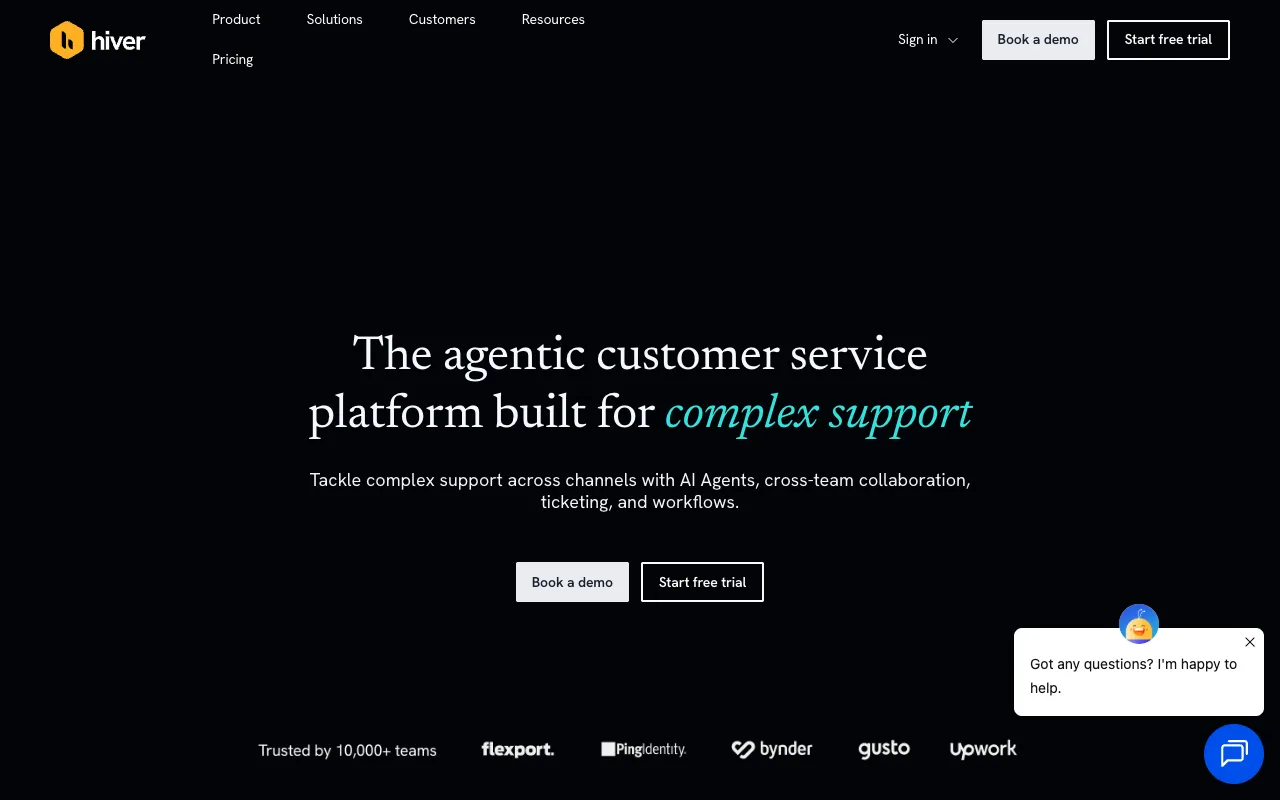
Hiver, inside the Gmail window
Hiver is the best-known answer to this query, and it is now two products. Hiver Omni is the omnichannel platform, and Hiver in Gmail is the one that matters here: its pricing page describes it as being for teams that manage email support from Gmail, with Growth at about $25 per user per month billed annually.
The mail stays in Gmail, and Hiver adds shared notes, assignment and statuses to the sidebar you already have open. Hiver’s pricing separates the two products.
Choose it if your team has standardised on Google Workspace and will not adopt another application. The ceiling is what Hiver builds inside Gmail, and the fixes you promise still live in Linear.
Keeping, also inside Gmail
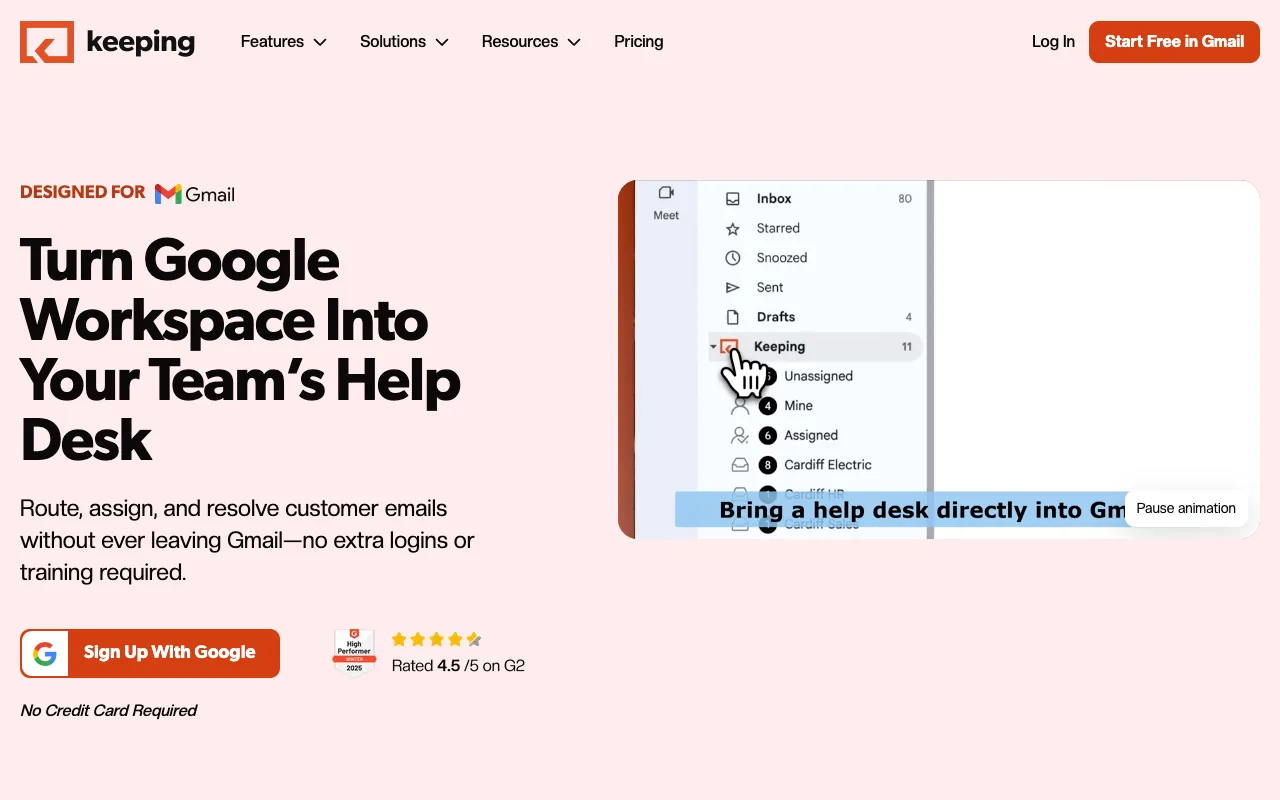
Keeping is the smaller in-Gmail option, and it runs inside the mailbox. Its pricing page lists Essentials at about $14 per user per month billed annually, with a two-user minimum.
It adds collision detection, teammate assignment, shared drafts and Open, Closed and Pending statuses inside Gmail (Keeping’s feature page). The mail never leaves the account.
Choose it if your team lives in the Gmail tab and wants duplicate replies to stop. Its integrations are narrower than Hiver’s, and nothing links a thread to an issue.
Missive and Front, separate apps over the same mailbox
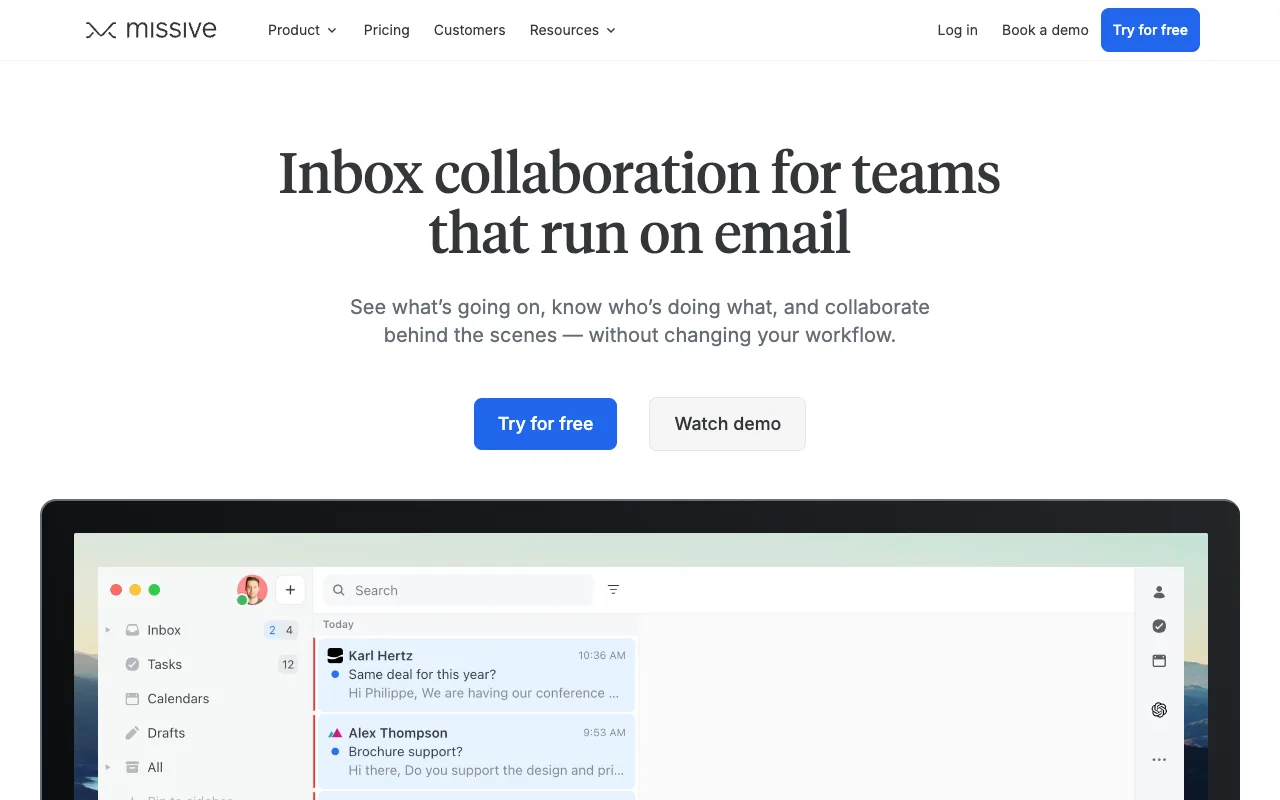
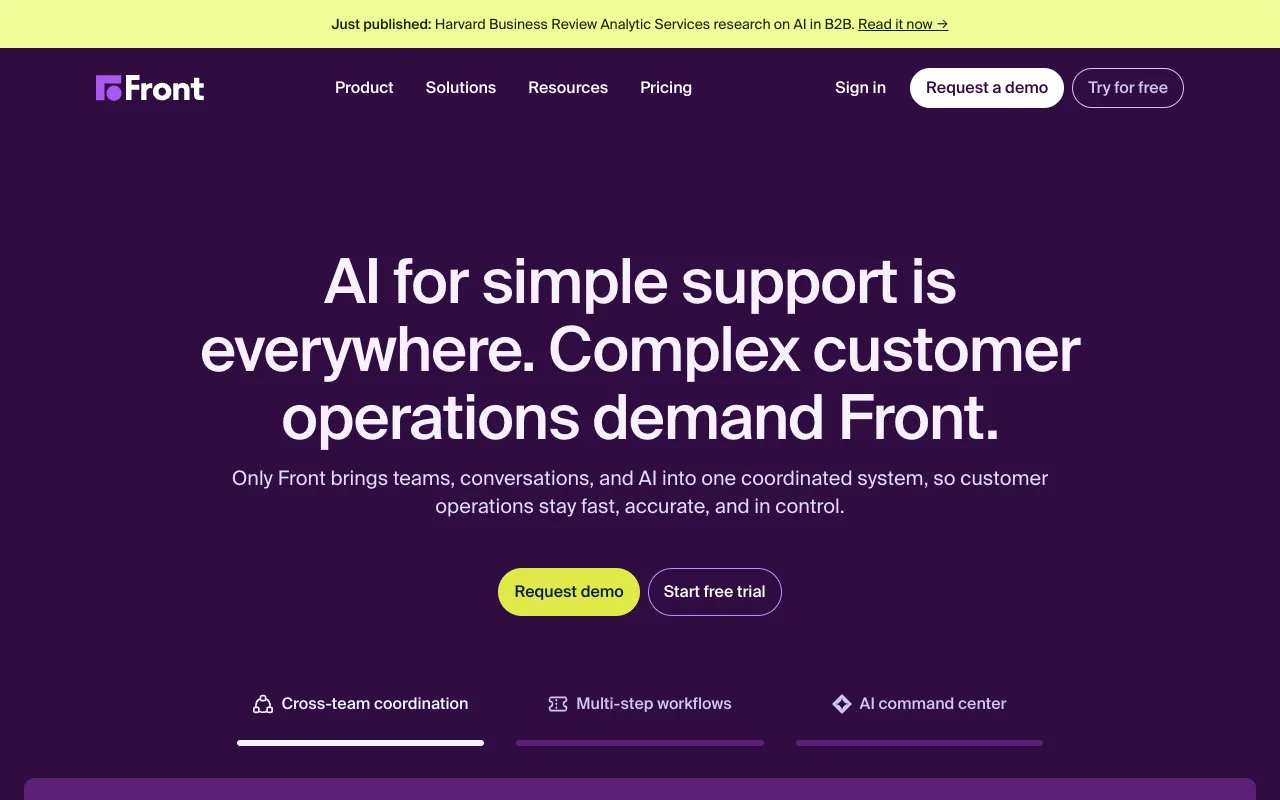
Both connect to your Gmail or Google Workspace account and give the team a real queue. Both ask you to work in their app rather than Gmail.
Missive’s pricing page lists Starter at about $14 per user per month billed yearly, capped at five users, with a 30-day trial and no free tier. It is an email client first, which suits one shared mailbox that needs collaboration on top. Missive’s pricing has the tiers.
Front’s pricing page lists Starter at about $25 per seat per month billed annually, up to 10 seats, with Professional and Enterprise behind a demo request. Front earns that when support spans channels, and Front’s pricing has the tiers.
Help Scout, when the queue leaves the mailbox
Help Scout is the clearest example of the second group. You connect the address, and the work happens in Help Scout: its own statuses, its own assignee, saved replies and a knowledge base. Your mail stays in Gmail, but the queue does not.
Help Scout’s pricing page keeps a free plan for 5 users, 1 inbox and 100 contacts a month, with Standard at about $25 per user per month. That fits if support is somebody’s job, and not when the people answering are shipping the fix.
Shared inbox versus help desk covers whether you need the queue at all, and the limits are in Help Scout pricing.
Chirp, for the team that tracks fixes in Linear
Chirp connects to Gmail with OAuth and leaves the mailbox as the source of record, so your mail stays in Gmail and replies go out through it. Like Missive and Front, the workspace is a separate app. It is built for the team whose fixes live in Linear, at $9 per user per month on one plan, every feature included.
Press i in a thread to link, create or search an issue. When every linked issue is Done or Canceled, the thread reopens with a drafted reply that names the issue. Rules close, tag, assign and snooze threads, and they have no send action. Access is per inbox, with Admin, Agent and Viewer roles.
FAQ
Can multiple people use the same Gmail account? Yes. A shared login, delegation from one owner, or a Google Group the team works in. Only the group gives you assignment without sharing a password.
Does creating a shared inbox in Gmail cost anything? Google Groups is free, and delegation adds no licence. The paid tools start at about $14 per user per month, which buys an owner per thread.
What is the best shared inbox for Google Workspace? It depends on whether the workflow has to be inside Gmail. If it does, Hiver and Keeping add assignment without moving the mail. If not, Missive and Front give you a fuller queue.
Next step
If you are choosing between these tools on features rather than on where the mail lives, the best shared inbox software is that comparison. If the address is what you are setting up, what a shared inbox is covers what to agree first.
Competitor prices checked October 2026.