

This list is Chirp’s. Chirp publishes it, Chirp appears in it, and Chirp wrote the order, which you can see from the byline. Four of the top five results for this search are published by a vendor too, and four of them put that vendor first. This one links every price to the vendor’s own page, gives every tool the sentence that says who should not buy it, and puts Chirp last.
Missive is the pick for one shared mailbox that needs a proper email client. Front earns its price once support is a real function with channels and reports. Hiver is for a team that will not leave Gmail, Help Scout for a team that wants a free start and a documentation site, and a shared Gmail login for two people answering a handful of mails a week. Link a support thread to a Linear issue and get it back when the fix ships, and the answer is Chirp at $9 per user per month.
| Tool | Entry price | Free option and who it suits |
|---|---|---|
| Missive | $14 per user per month, yearly | 30-day trial. One mailbox that needs a real email client |
| Front | $25 per seat per month | Trial only. A support function across several channels |
| Hiver | $25 per user per month, yearly | Free entry tier. Teams that will not leave Gmail |
| Help Scout | $25 per user per month | 5 users, 1 inbox, 100 contacts a month. A ticket queue with a docs site |
| A shared Gmail login | Nothing extra | The whole point. Two or three people answering a few mails a week |
| Chirp | $9 per user per month | None yet. One plan, every feature. Teams on Linear |
Missive, for one shared mailbox with a real email client
Missive’s pricing page lists Starter at $14 per user per month billed yearly, Productive at $24, and Business at $36, with a 30-day trial and no free tier. Starter caps at five users, and rules, integrations and API access start on Productive.
Stay on Missive if your mail is general team email rather than support: a shared sales address, a founder in one inbox, a small firm with one address and several people on it.
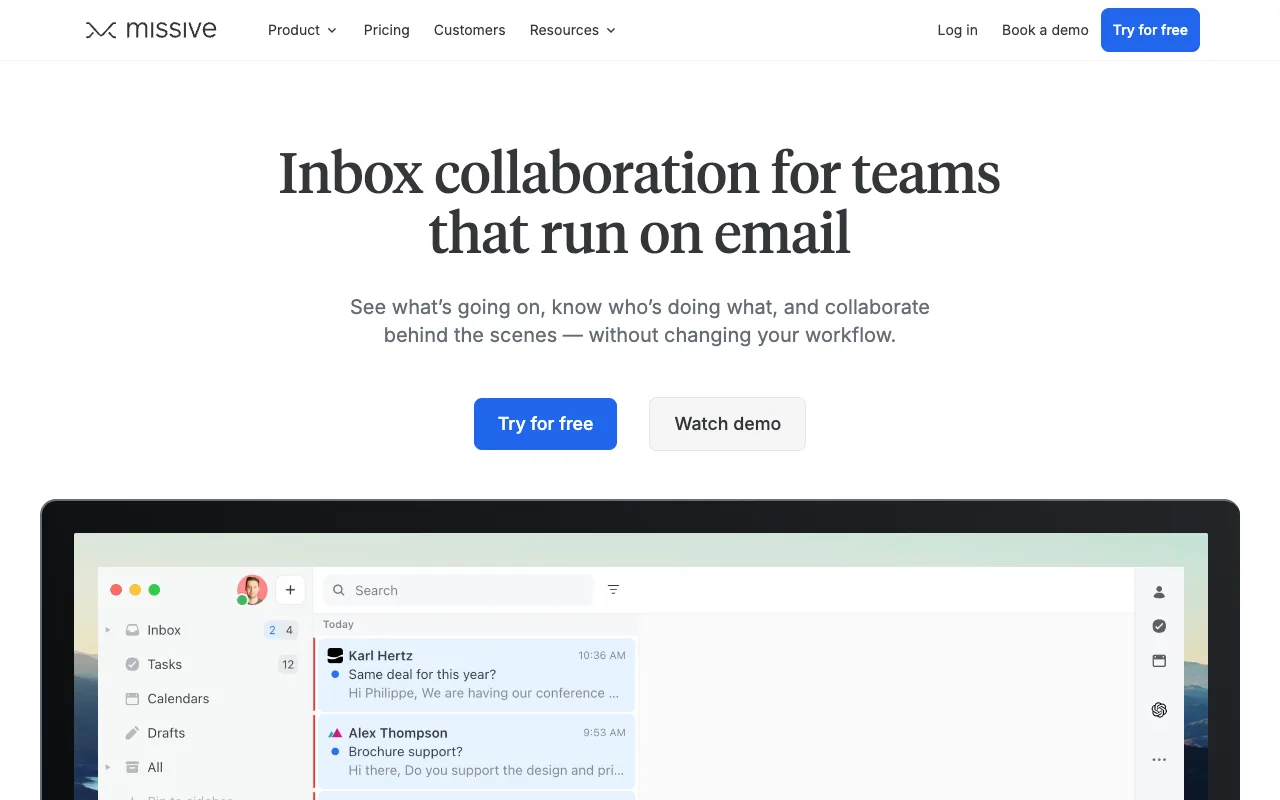
Do not buy it for a queue. Missive has no statuses or reports, and assignment rules or API access cost $24 rather than $14. Missive alternatives covers the same decision.
Front, for a support function with channels and reports
Front lists Starter at $25 per seat per month with a 10-seat cap, Professional at $65, and Enterprise at $105, all on its pricing page. Starter is self-serve, and the tiers above it route through a demo request.
Stay if support is somebody’s main job, if you answer chat, SMS or social as well as email, or if a manager reads the reports. Front’s keyboard shortcuts are documented, so speed is not the reason to leave. Scope is, and Front’s pricing works through what each tier gates.
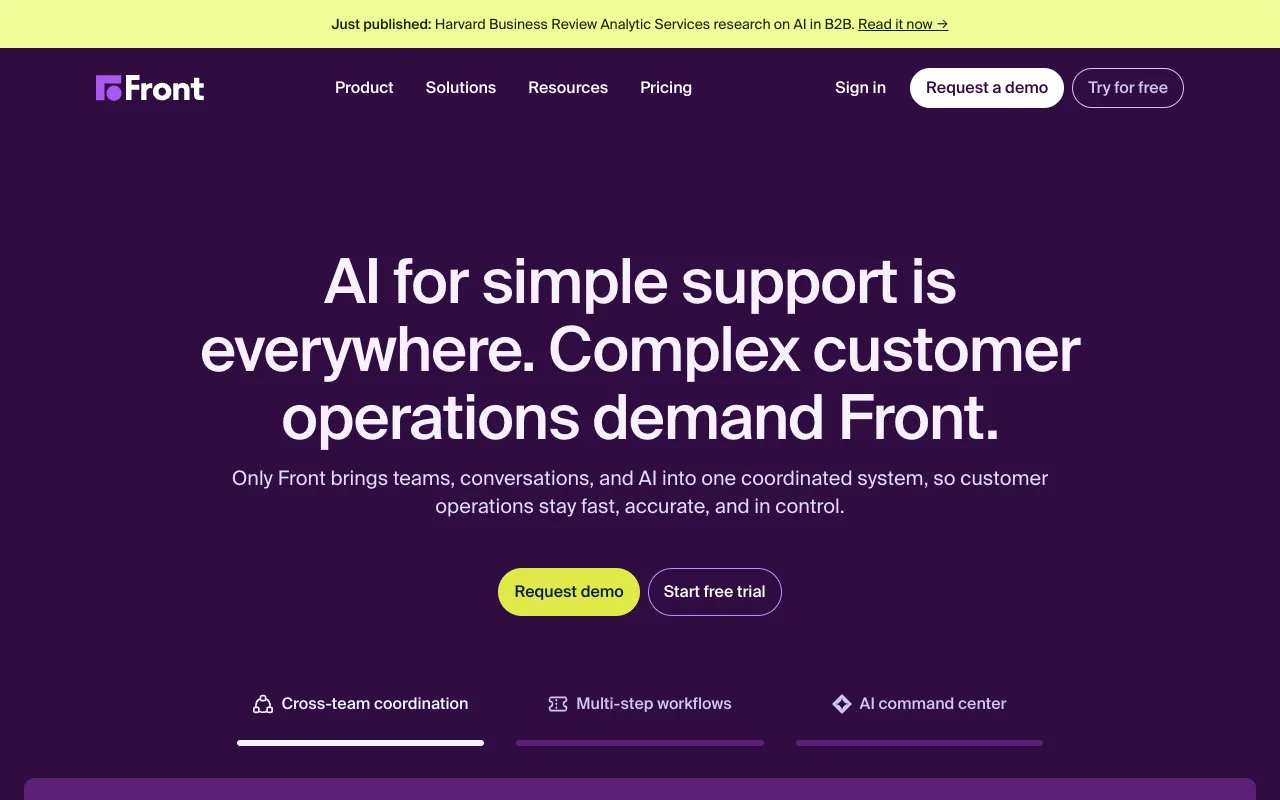
Do not buy it if you answer email and nothing else. A five-person team pays for an omnichannel platform it will not use, and a team past ten seats cannot buy the plan it can afford without a sales call.
Hiver, for teams that will not leave Gmail
Hiver puts the shared inbox inside Gmail instead of asking anyone to move. Its pricing page lists Growth at $25 per user per month billed yearly, Pro at $55, and Elite at $85, with a free entry tier beneath them.
Stay if you have standardised on Google Workspace and will not adopt a second tool. Assignments and shared notes appear in the Gmail sidebar your team already has open, so there is nothing to migrate.
Do not buy the higher tiers without checking the maths, because $55 a user is help-desk money for a sidebar. Do not buy it if you might leave Gmail later, or if the fixes you promise customers live in Linear.
Help Scout, for a free start and a docs site
Help Scout is the only tool here with a permanent free plan that covers a team of five: five users, one inbox and 100 contacts a month, per its pricing page. Standard is $25 per user per month, Plus is $45, and Pro at $75 is demo-gated.
Stay if you run support as a queue: statuses, an assignment per conversation, saved replies, and a knowledge base that answers the repeat questions. Help Scout alternatives has the full comparison.
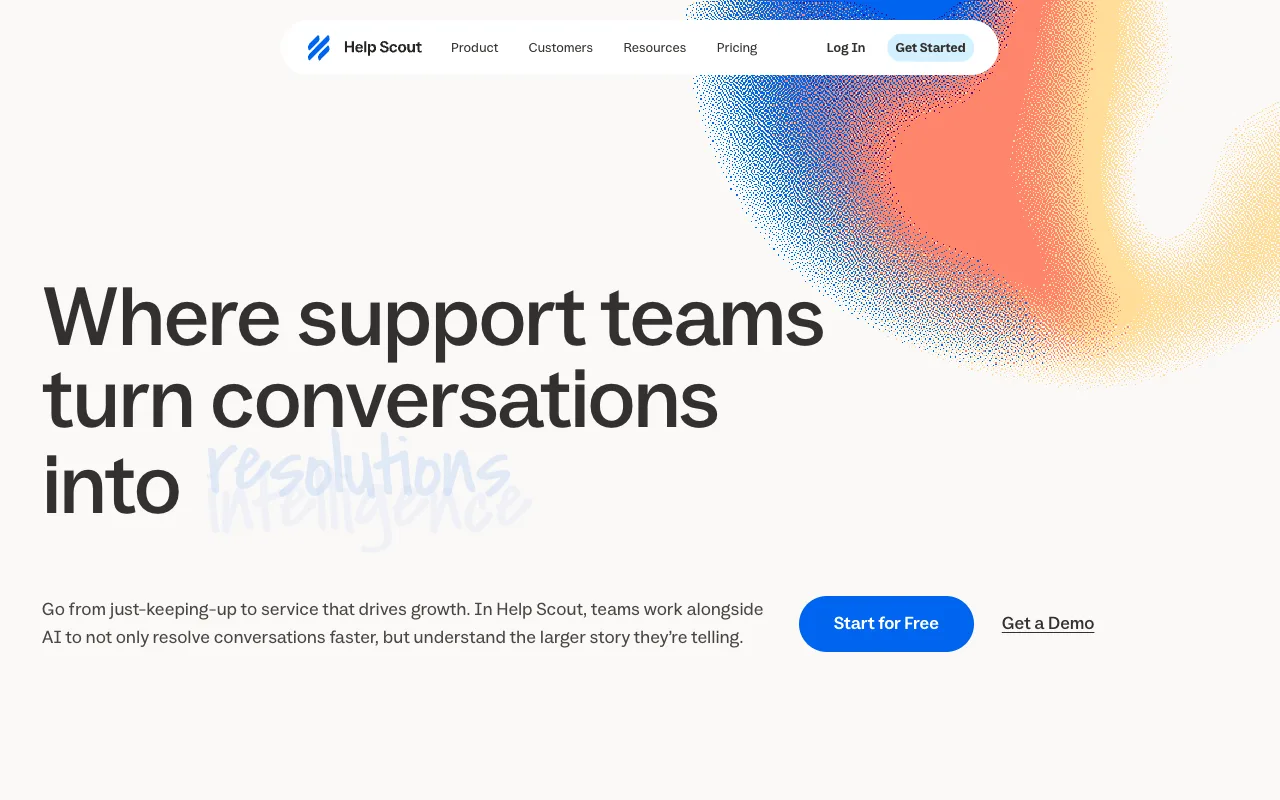
Do not buy it if your support is a side effect of shipping software. A help desk asks you to configure inboxes, workflows and a docs site before the first reply goes out.
A shared Gmail login, when the team is two people
The option nobody prices is the one most small teams use first. A shared Gmail login or a Google Group costs nothing extra on the account you already have, and for two or three people it holds up.
It stops holding up at the same point every time. Nobody can see who replied last, two people can answer the same thread, and there is no way to hand a conversation to one person. Shared mailbox or distribution list covers how the address changes what the team can do.
Chirp, for the team that already tracks fixes in Linear
Chirp is a shared inbox for small software teams that track work in Linear, at $9 per user per month on one plan. It connects to Gmail, Google Workspace or IMAP, and each inbox can be open to the teams you choose.
Press i in a thread to link, create or search a Linear issue. When every linked issue is Done or Canceled, the
thread reopens with a drafted reply that names the issue, ready for someone to send. Rules close, tag, assign and
snooze threads, and they have no send action.
Chirp is email only: no live chat, no phone, no macros, no reporting. The head-to-heads live in Missive alternatives and Front alternatives.
FAQ
Which shared email service is the best? There is no single answer. Missive has the cheapest paid seat, Help Scout’s free plan is the only one with real user limits, and a shared Gmail login costs nothing.
What is the best way to manage a shared inbox? Decide who owns each conversation, where the fix is tracked, and who may see which address. A tool that answers those three is worth paying for.
What is the best free shared inbox software? Hiver and Help Scout both have free entry tiers. Help Scout’s covers five users, one inbox and 100 contacts a month, and a shared Gmail login costs nothing extra.
What is the best shared inbox software for small teams? A two-person team answering a few mails a week should start free. A team whose bugs live in Linear should compare the $9 plans against the $25 ones before the feature lists.
Next step
If the category itself is still the question, what a shared inbox is covers the definition and the four ways a team builds one. If you are deciding whether you need a ticket queue at all, shared inbox vs help desk draws the line.
Competitor prices checked October 2026.