

The short answer: stay on Missive if you want shared team email at $14 per user, or move to Help Scout if you want a ticket queue. Choose a Google Group if you want to pay nothing, and move to Chirp if your bugs live in Linear.
Missive is the right tool for a small team that works out of one inbox. It fits a software team less well when support is the second job of people who already track the fixes somewhere else, because a customer thread has no connection to the issue that answers it.
Who should stay on Missive
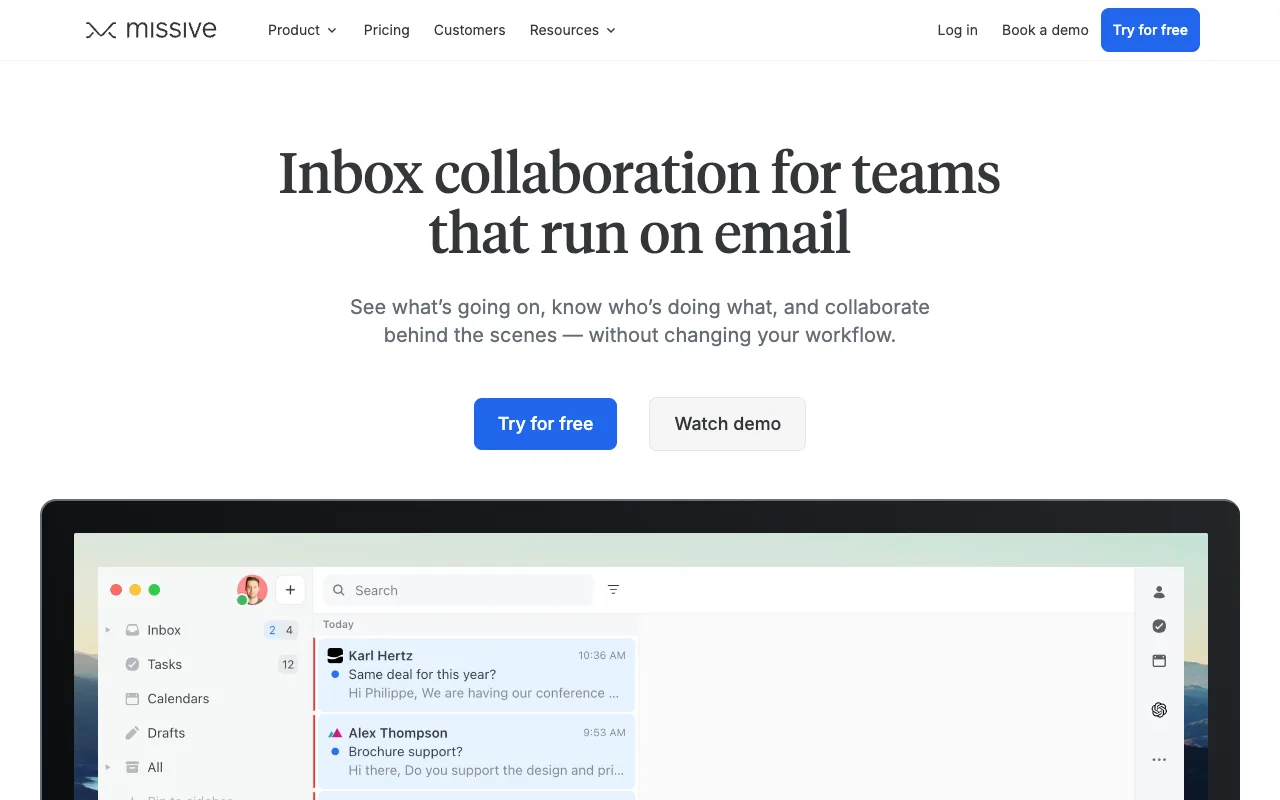
Missive is the cheapest of the three shared inboxes here. Its pricing page lists three tiers: Starter at $14 per user per month, Productive at $24 and Business at $36, all on yearly billing, with a 30-day trial and no free tier. Starter covers up to five users, and Productive adds the rules, automations and API access most teams would need once they automate anything.
Two cases make Missive the right call. The first is a team whose mail is the work: a shared sales inbox, a founder answering everything from one place, a small firm with one address and several people on it.
The second is the entry price. Front’s Starter plan is $25 per seat and Missive’s is $14, so a five-person team saves $660 a year before any feature comparison starts. If neither case describes you, Missive is solving a problem you do not have.
What each alternative costs
Every price below links to the vendor’s own pricing page, because prices move and the page is the only reliable answer.
| Tool | Entry price | Free tier | Who it suits |
|---|---|---|---|
| Missive | $14/user/mo, yearly | None, 30-day trial | Teams whose mail is the work, from one shared inbox to a full mail client |
| Front | $25/seat/mo, up to 10 seats | Trial only | Teams with a support function. Professional ($65) and Enterprise ($105) route through a demo request |
| Help Scout | $25/user/mo | Yes: 5 users, 1 inbox, 100 contacts a month | Teams that want a ticket queue and a docs site. Pro ($75) is demo-gated |
| Hiver | $25/user/mo, yearly | Trial | Teams that want to stay inside Gmail. Rules and API access start on the Pro tier at $55 |
| Google Groups and delegated Gmail | Included with your Google account | Yes | Teams that want assignment and nothing else, and will do the rest by hand |
| Chirp | $9/user/mo | None yet | Software teams of 2 to 20 that track work in Linear and answer support themselves |
Two of those rows are free in a way worth naming. A Google Group with Collaborative Inbox switched on gives you assignment, take and drop, and a resolved status on an address you already own. Help Scout’s free plan covers five users and one inbox, and you can find out whether a ticket queue fits your team before you pay for one.
The two most common moves from Missive:
Shared inbox or help desk: pick the shape first
The lists that rank for this query mix the two, and a reader who cannot tell them apart cannot use the list.
A shared inbox is a mailbox several people can see and answer from. A help desk turns each conversation into a ticket with a lifecycle: statuses, assignment, routing rules, service level targets and reports on all of it.
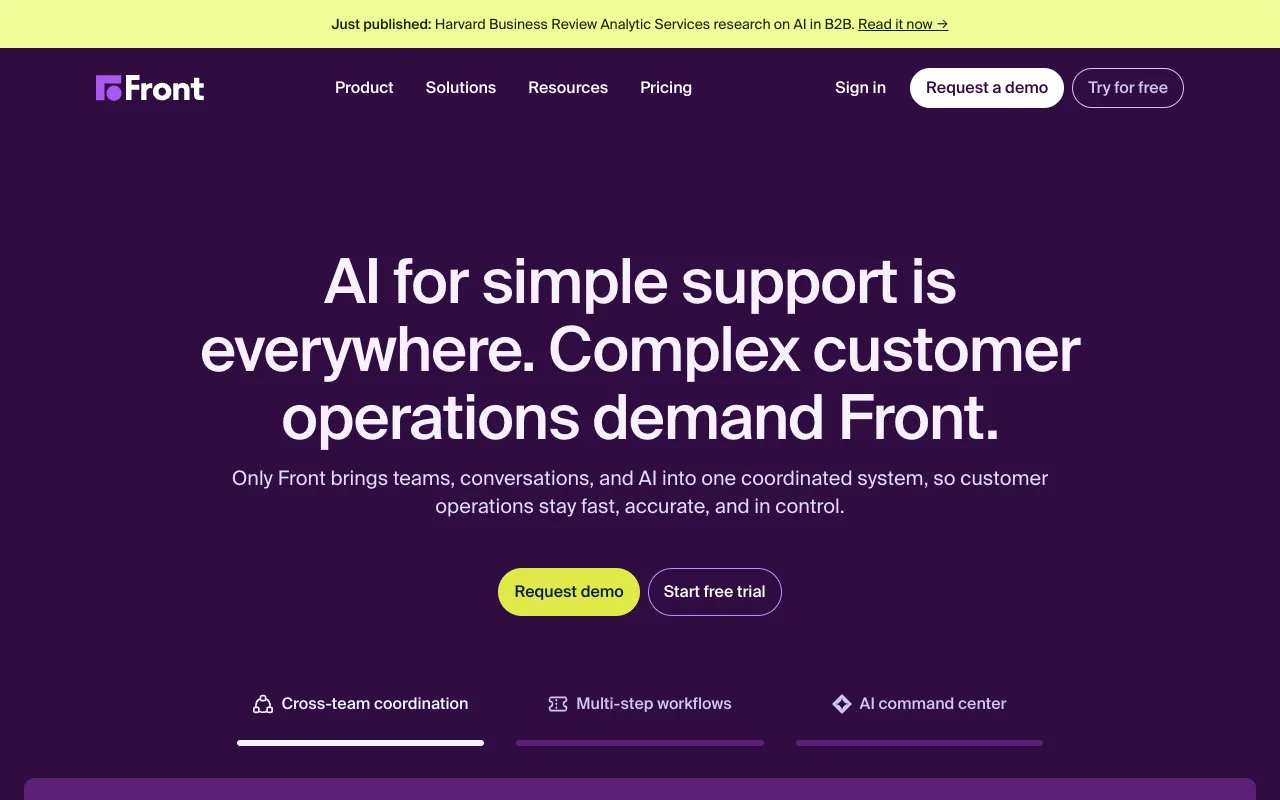
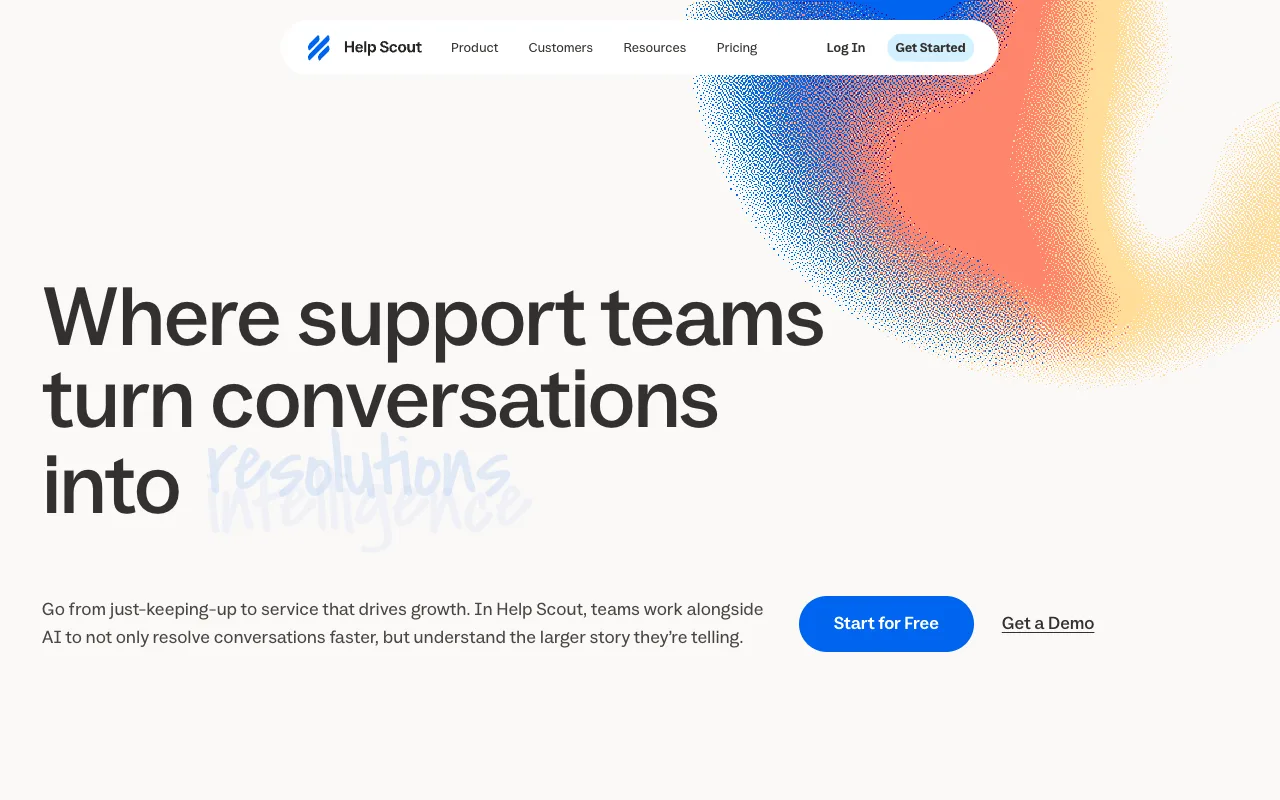
Front’s entry plan is a shared inbox with ticketing, and Help Scout is a ticket queue with a docs site attached. For a team of five answering mail between other work, that structure is the cost. Somebody has to keep the queue clean, and everyone has to learn the workflow before the first reply goes out.
Shared inbox vs help desk works through which one a small team needs and when it is worth moving up.
What a help desk gives you that a shared inbox does not
Assignment to one person, so two people do not answer the same email. Collision detection while someone is typing. Saved replies for the questions that repeat. Routing that spreads the work across the team.
None of that is decoration, and none of it is free. If you have three agents handling sixty tickets a day, a help desk earns its price.
If your support volume is a side effect of shipping software, you are buying a support department’s tool for a job you do in the gaps.
The issue-close loop
Missive’s Linear access starts on the Productive tier at $24 per user per month, and Chirp’s starts on its only plan, at $9.
Front goes further: its Linear integration creates or links an issue from a conversation and reopens that conversation when the issue is completed. Chirp reopens it with a drafted reply that names the issue, ready for someone to read and send.
Press i in a Chirp thread to link, create or search a Linear issue, then snooze the thread until the issue is done.
When every linked issue is Done or Canceled, the thread reopens.
The Issues view (g i) sorts linked issues by how many customers are waiting. Chirp is a shared inbox rather than a
help desk, over Gmail, Google Workspace or IMAP, with per-inbox access enforced by the server.
Automation rules can close, tag, assign and snooze threads and write drafts, and they cannot send email. Chirp has no macros and no priority levels. It is email only, with no live chat or phone.
What users complain about
Missive’s own public feedback board is the best place to read criticism of Missive, because the complaints are dated, signed, and the company answers them in public.
The most active thread of 2025 was about the redesign:
The recent update with team spaces, new icons, 15 clicks to do anything is terrible. Did you actually have a designer do this or a bunch of devs? I have to take 3-5 actions now everytime to do anything. I will be looking for a new email tool.
That is Rob Pearson, writing on Missive’s feedback board in February 2025. Missive’s Philippe Lehoux replied in the same thread: “It is certainly hard to balance the needs of all of our customers, as they are using Missive in so many different ways.”
Read the thread before you weigh it. The complaint is about interface churn, not about the core product getting worse, and several people in the same thread disagree with the tone. What it tells you is what the risk is if you commit: a redesign you did not ask for, landing in the middle of your team’s habits. It says nothing about reliability or price.
Choosing in one pass
Three questions settle it. Does your team track the fixes in Linear, and does the customer waiting on one of them matter to you? Then Chirp is the option here that reopens the thread with the reply already written.
Is support a function with its own queue, targets and reporting? Then pay $25 a seat for Help Scout, starting on the free tier. Is the whole problem that several people share one address? Then price decides: $9 for Chirp, $14 for Missive, nothing for a Google Group.
If you picked the free path, what a collaborative inbox is covers the four ways teams build one and the four ways they break, and shared mailbox vs distribution list covers the older Google option.
FAQ
What are some good alternatives to Missive email? Front, Help Scout, Hiver, a Google Group and Chirp all do part of the job. Front and Hiver start at $25 per user per month. Help Scout’s free plan covers five users and one inbox, and Chirp is $9 per user per month.
Is there a free Missive alternative? Yes, two. Help Scout’s free plan gives five users and one inbox with 100 contacts a month. A Google Group with Collaborative Inbox enabled gives you assignment and a resolved status on top of an address you already own.
Is Missive cheaper than Front? At the entry tier, yes: $14 per user per month against Front’s $25 per seat. Both figures are on yearly billing, and Front’s Starter plan covers up to 10 seats.
Competitor prices checked October 2026.