

A five-person software team answers support between other work, and the mail still has to go out. Front is the tool most comparison pages are about, and it earns the attention: shared inboxes, automation, macros, reporting and AI in one product.
Stay on Front if you have a support function, more than one channel, and somebody who reads the reports. For a team of 2 to 20 on Linear that answers its own mail, the alternatives worth pricing are Missive, Help Scout, a shared Gmail login or Google Group, and Chirp. Front’s Starter plan lists at $25 per seat per month and stops at 10 seats.
Who should stay on Front
Front is a customer service platform, and the parts that justify the price matter once support is a real function.
Stay if any of these is true:
- Support is somebody’s main job.
- You answer chat, SMS, WhatsApp or social as well as email.
- You need macros, SLAs, custom roles or reports a manager reads.
- Round-robin routing would change your week.
Front’s keyboard shortcuts are documented, so speed is not a reason to leave. Scope is. You pay for ticketing, omnichannel routing and analytics a small team barely touches.
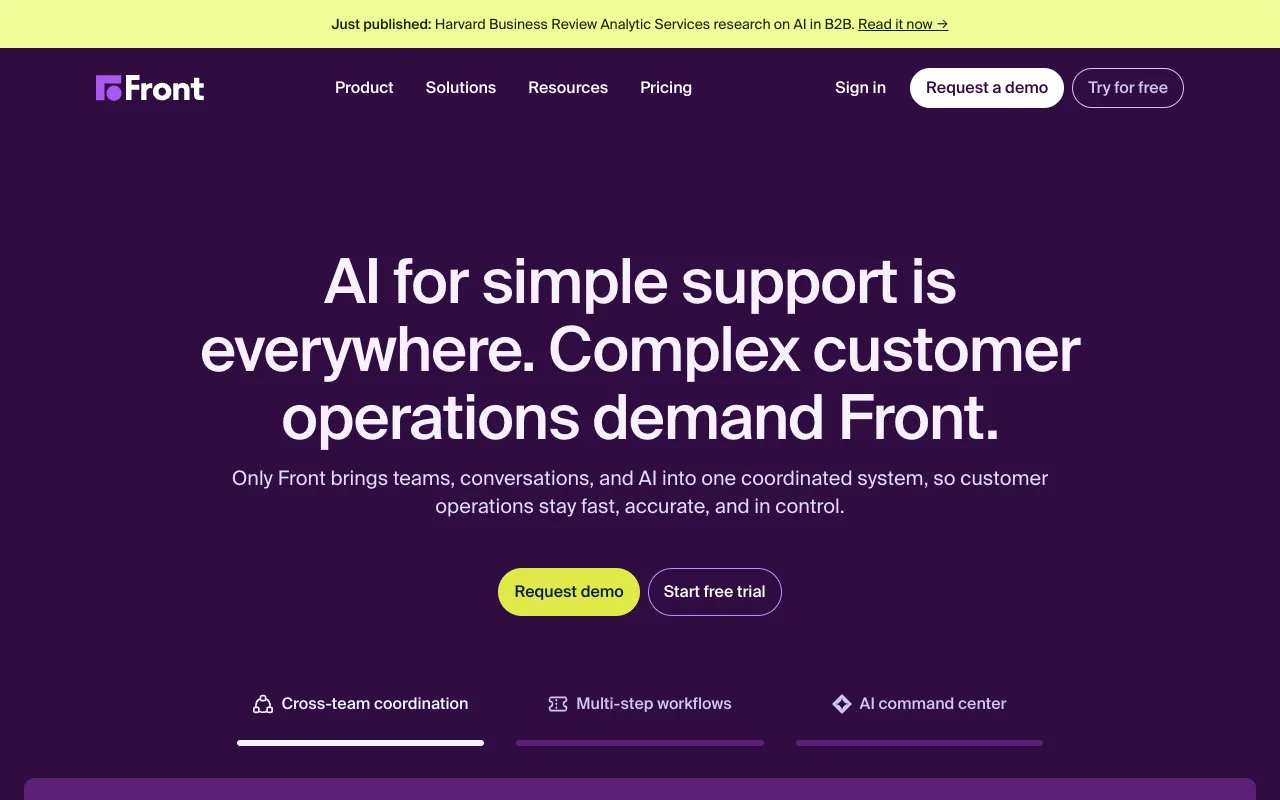
Front pricing, and what each tier gates
| Plan | Listed price | Seat cap | How you buy it |
|---|---|---|---|
| Starter | $25 per seat per month | 10 seats | Free trial, then self-serve |
| Professional | $65 per seat per month | 50 seats | Request a demo |
| Enterprise | $105 per seat per month | Not published | Request a demo |
Those figures come from Front’s pricing page with annual billing selected.
The Starter seat cap is 10, so a team of 20 cannot fit the plan it can buy self-serve. Omnichannel support, macros and multiple workspaces start at the demo-gated Professional tier.
The alternatives at a glance
| Tool | Price | Free tier or trial | Who it suits |
|---|---|---|---|
| Front | $25 per seat per month, Starter, 10 seats | Trial, no free plan | A support function across several channels |
| Missive | $14 per user per month, Starter, 5 users | 30-day trial | Teams that want a keyboard-first email client |
| Help Scout | $25 per user per month, Standard | Free for 5 users, 1 inbox, 100 contacts a month | Teams that want a help desk and a docs site |
| Google Groups or a shared Gmail login | No extra seat cost | No new software bill | Teams testing whether they need a tool |
| Chirp | $9 per user per month, one plan | None | Teams on Linear answering their own support |
Missive, for teams that want a keyboard-first email client
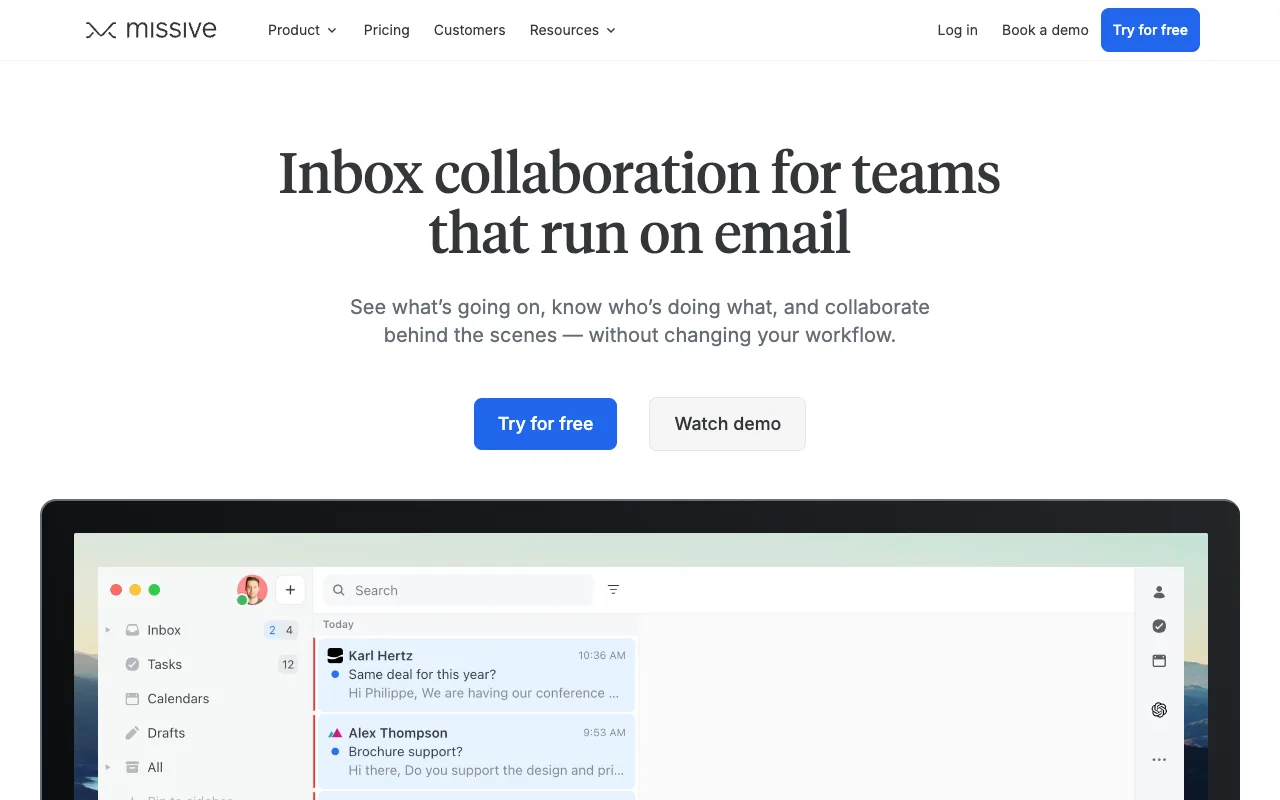
Missive is the closest to Front on feel, and it costs less than Front. Starter is $14 per user per month billed yearly, with a 30-day trial and no free tier, and it caps at 5 users. Past that you move to Productive at $24 per user per month, which raises the cap to 50 and adds rules, integrations, and API and MCP access. The Missive pricing page has the current figures.
Pick Missive if your team wants an email client first and collaboration second, and the work is general team email rather than support.
What it does not do is bring a thread back when the linked Linear issue closes.
Help Scout, for teams that want a help desk with a free start
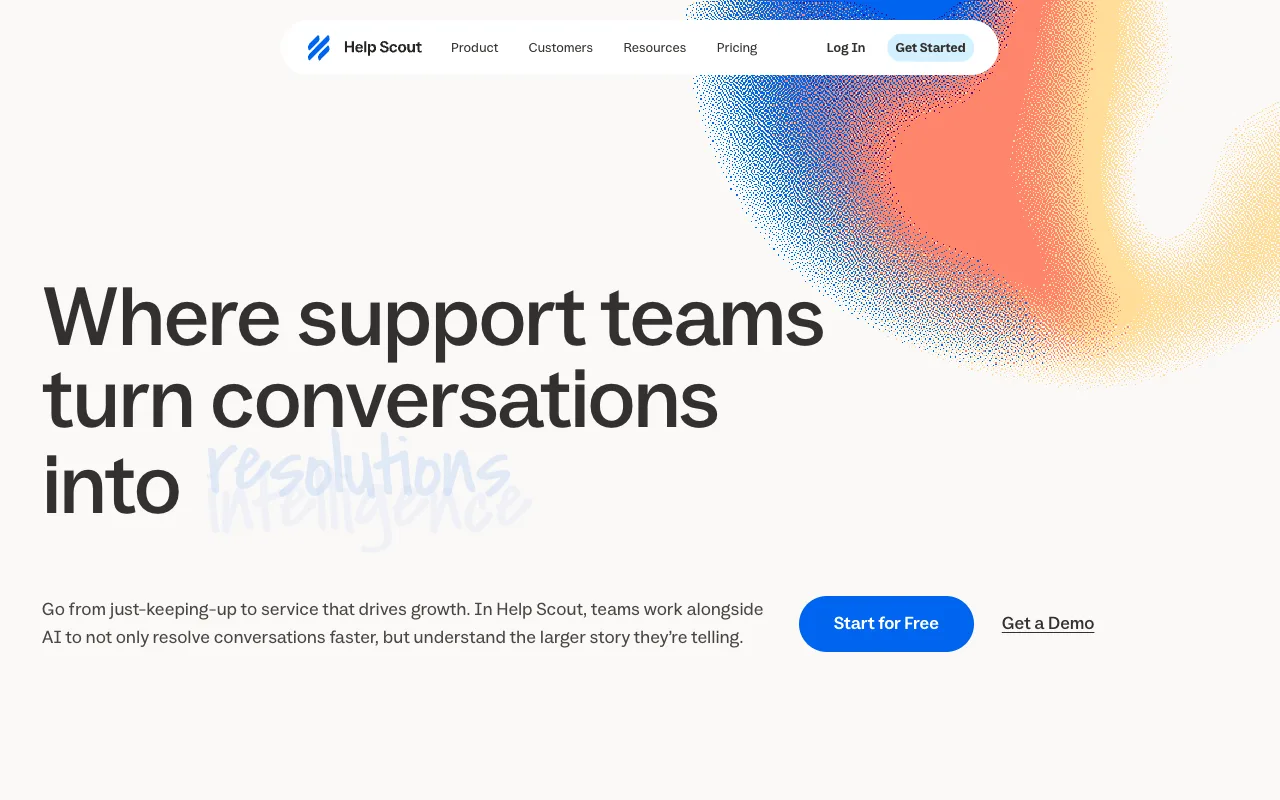
Help Scout has a free plan: 5 users, 1 inbox and 100 contacts a month. Standard is $25 per user per month, Pro is $75 and demo-gated, and AI Answers bills at $0.75 per resolution on every plan, including free. Find that on the Help Scout pricing page.
Pick it if you want a ticket queue, a knowledge base and a customer portal, and running support as a queue suits you.
It is the heaviest fit for a five-person engineering team, because a help desk asks you to configure inboxes, workflows and a docs site.
A shared Gmail login, with no extra seat cost
The option nobody prices is the one most small teams use. A shared Gmail login or a Google Group costs nothing extra on the Google account you have.
Two people sharing one password is the cheapest version and the one with a real cost: no per-person record of who replied, and two people can answer the same thread.
A Google Group is better. Mail fans out to the members, and Google’s Collaborative Inbox group type adds assignment and a way to mark a thread done, per Google’s documentation.
Pick either under five people. Neither links a thread to a Linear issue or warns you that a teammate is already typing. Shared mailbox or distribution list covers how the address itself changes what the team can do.
Where a shared inbox stops and a help desk starts
Help Scout and Front sit in a different category from a shared inbox, and the difference is who the product assumes is on support. A shared inbox fits when support is one of several jobs and the people answering fix the bugs. A help desk fits when answering is the job.
Shared inbox vs help desk covers what a help desk gives you that a shared inbox does not, and the signals that mean it is time to move up.
Chirp, for the team already in Linear
Chirp is a shared inbox for small software teams that track work in Linear, at $9 per user per month on one plan with every feature included.
Press i in a thread to link, create or search a Linear issue. Snooze until done, and when every linked issue is
Done or Canceled the thread reopens with a drafted reply that names the issue. The Issues view (g i) ranks linked
issues by how many customers are waiting.
Rules can close, tag, assign, snooze and write drafts, and they have no send action, so nothing reaches a customer without a person sending it. Chirp connects to Gmail, Google Workspace or IMAP and keeps the mailbox as the record. It is built for a team that answers its own mail, not for a support department.
FAQ
How much does Front cost? Starter is $25 per seat per month, up to 10 seats. Professional is $65 and Enterprise is $105, both behind a demo request, per Front’s pricing page.
Does Front have a free plan? No. Front offers a trial and three paid tiers. Help Scout has a permanent free plan: five users, one inbox and 100 contacts a month.
What is the best free Front alternative? A shared Gmail login or a Google Group costs nothing extra. For a free tier in a real tool, Help Scout covers five users and one inbox.
How does Front compare with Zendesk? Zendesk is a service platform whose top tier is sales-only. Its UK pricing page lists Support Team at £15 per agent per month paid yearly.
Next step
If the decision is a shared inbox, next settle how assignment, visibility and identity work when four people answer one address. What a collaborative inbox is, and when it breaks covers where each approach fails.
Competitor prices checked October 2026.