

An email arrives at support@ with a bug report in it, and you want it to become something with an owner and a state. Instead it scrolls out of the top of a shared mailbox, and nobody can say whether it was answered.
This list is Chirp’s, and Chirp sells a shared inbox rather than a ticketing system.
Email ticketing is narrower than a help desk and different from a shared inbox. A help desk adds chat, phone and self-service, and the best help desk for a small team covers that choice. A shared inbox shares an address across a team and tracks no state, and the best shared inbox software ranks those. This page covers the tools that turn an arriving email into a tracked item.
Help Scout is the pick when a free tier matters, Zendesk when email has to be routed and reported on, and Freshdesk when seat price decides. Intercom suits a team that answers chat first, Front one that will add channels later, and a Google group or Microsoft 365 shared mailbox one that only needs the address.
The email ticketing tools at a glance
| Tool | Entry price | What it turns an email into |
|---|---|---|
| Help Scout | $25 per user per month | A conversation with a status and an assignee |
| Zendesk | £15 per agent per month, paid yearly | A ticket routed to a group |
| Freshdesk | $19 per agent per month, billed annually | A ticket with a priority and an agent |
| Intercom | $29 per seat per month, billed annually | A conversation in a ticketing inbox |
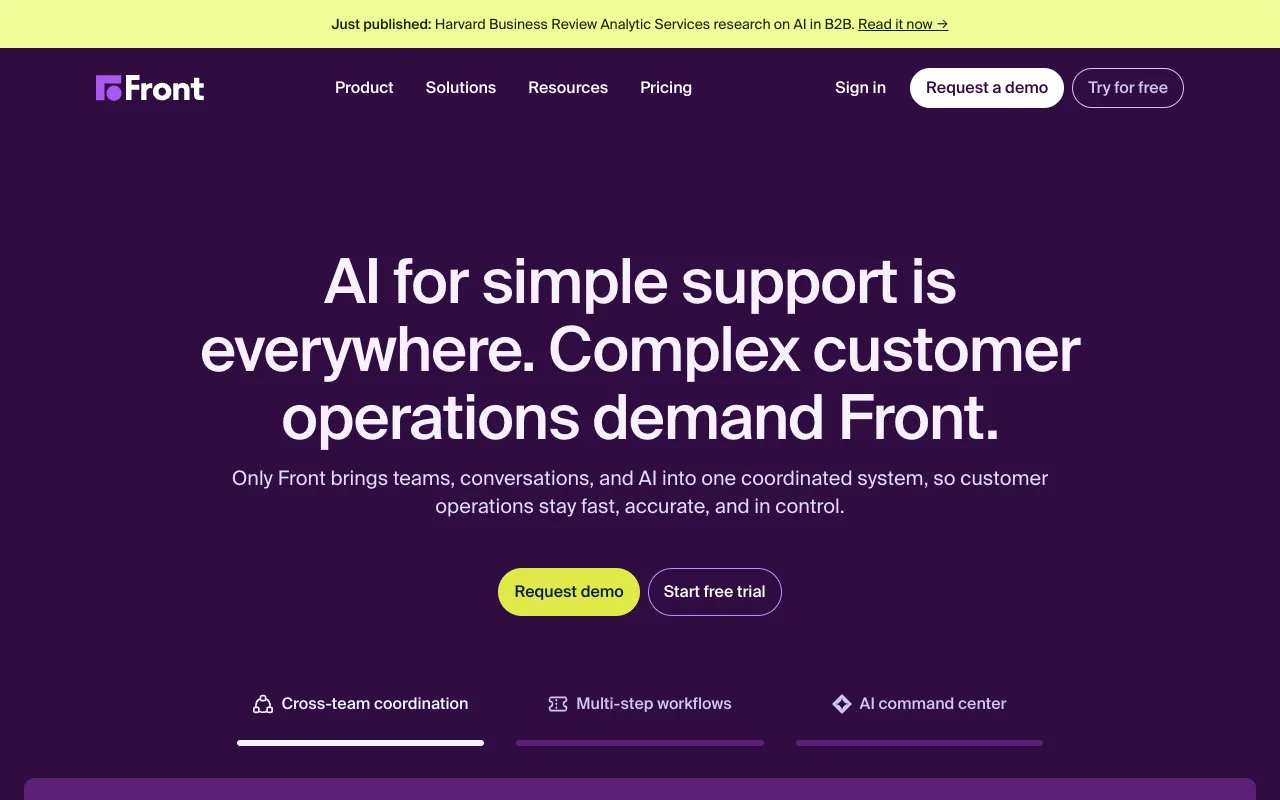
| Front | $25 per seat per month, billed annually | A conversation with a state, 10 seats on Starter |
| A Google group or a Microsoft shared mailbox | No extra seat | A message in a mailbox several people read |
Help Scout, for five people on a free plan
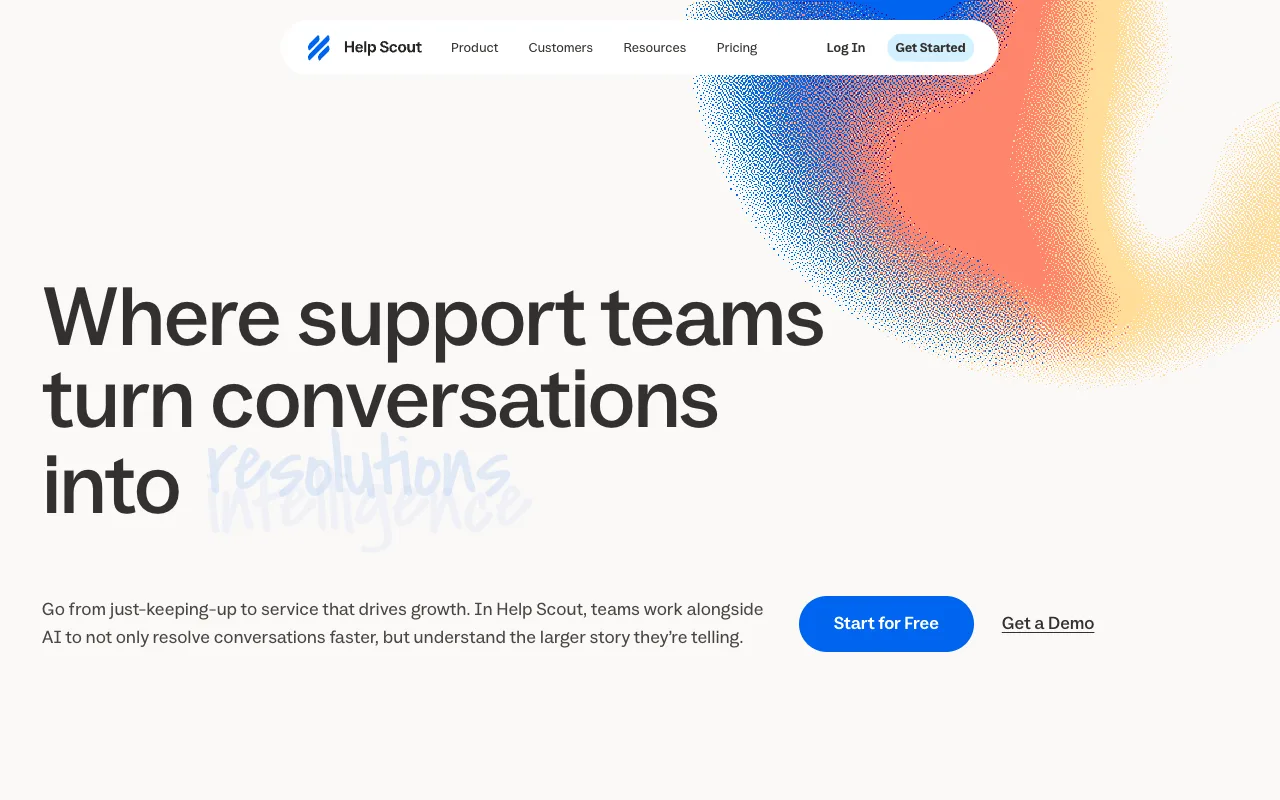
Help Scout’s free plan covers five users, one inbox and 100 contacts a month, and Standard is $25 per user per month on its pricing page. Each message becomes a conversation with a status and an assignee, and snooze brings it back at a time you set.
The free plan’s 100 contacts a month is the limit to watch: three conversations with one customer still count as one contact. Help Scout pricing works through the tiers.
Zendesk, for email that has to be routed and reported on
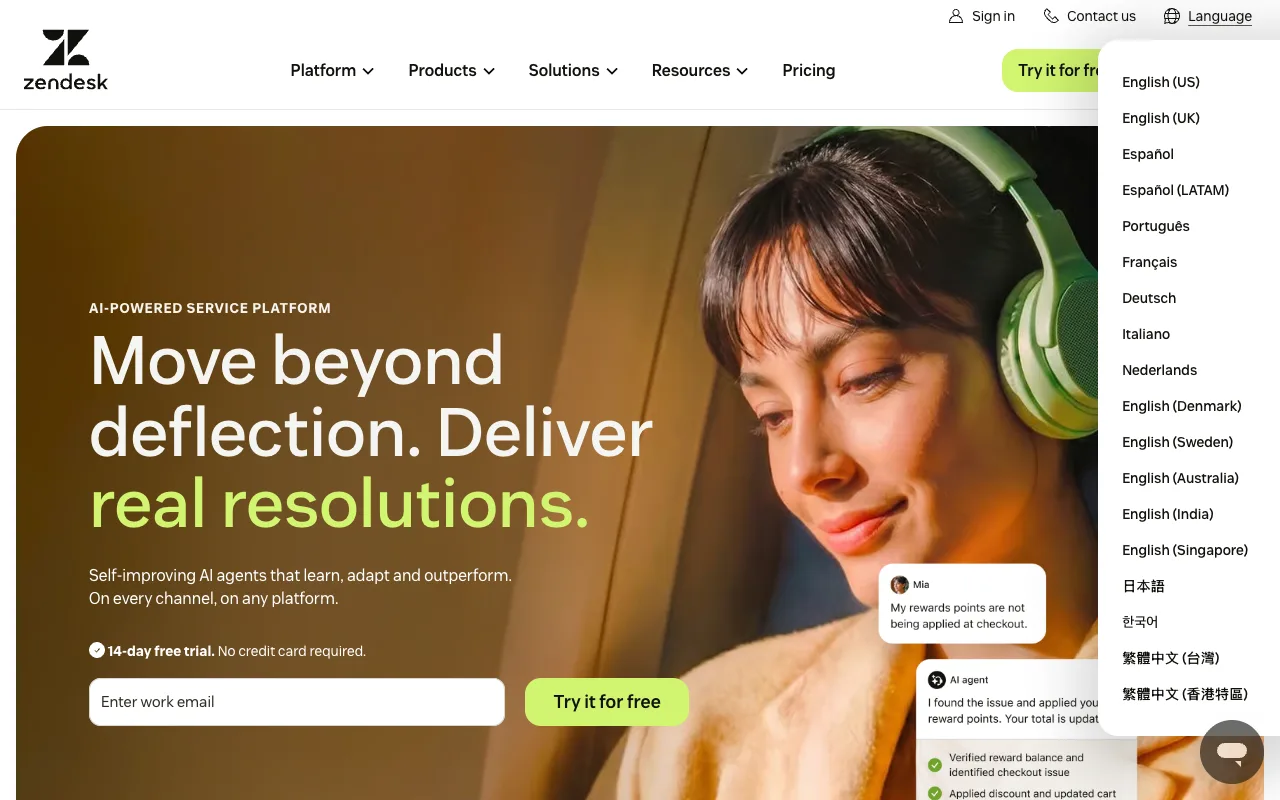
Zendesk publishes in pounds, and Support Team is £15 per agent per month paid yearly on zendesk.co.uk/pricing. The entry card names an email and ticketing system, ticket routing, prebuilt analytics dashboards and pre-written responses.
Stay once mail arrives for more than one team. At three agents, groups, views and routing rules are configuration one address does not need. Zendesk pricing has the gates.
Freshdesk, for email tickets with routing and reports
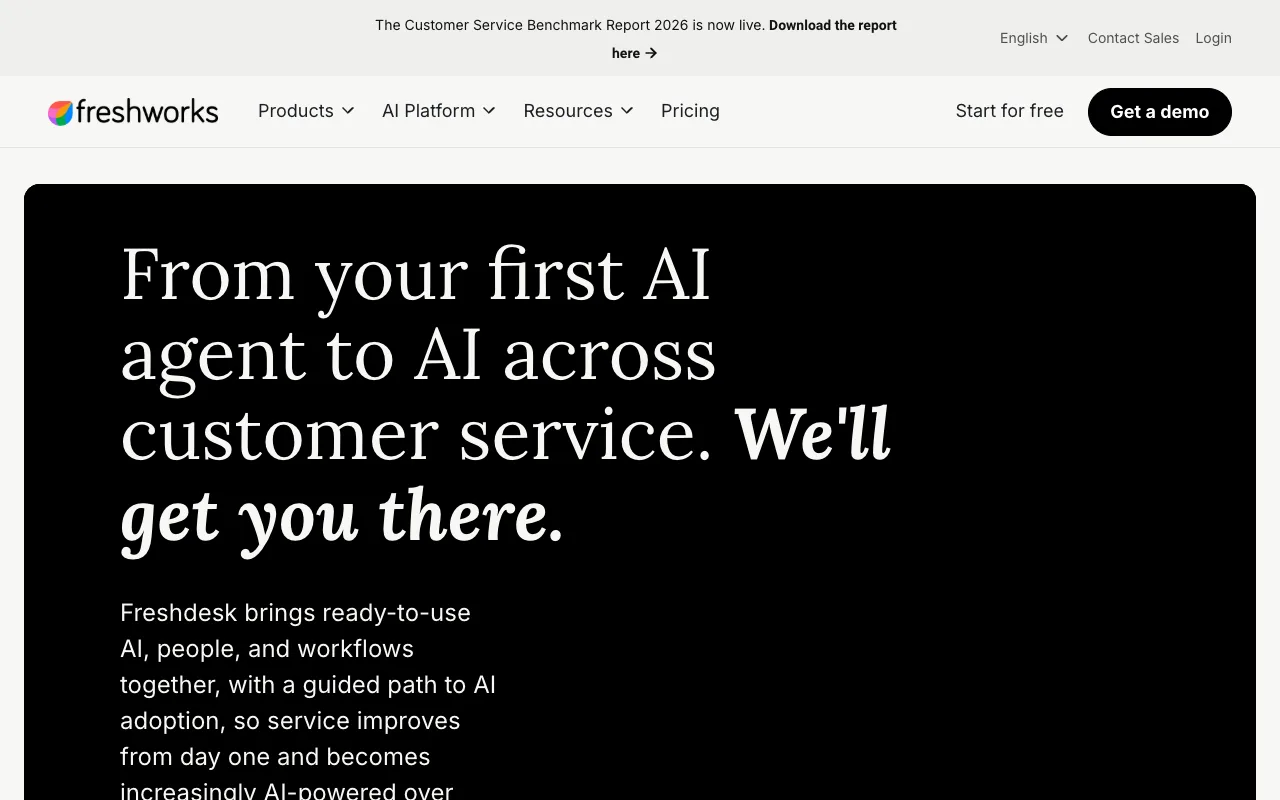
Freshdesk lists Growth at $19 per agent per month billed annually on its pricing page, with ticketing and a shared inbox, a customer portal, a knowledge base and reporting on that card. The page shows the figure in your local currency.
Freshworks’ own documentation puts the free program at six months and two agents, which matches a two-person team and then stops. Freshdesk pricing has the arithmetic, and Freshdesk alternatives the fit question.
Intercom, for a team that answers chat as well as email
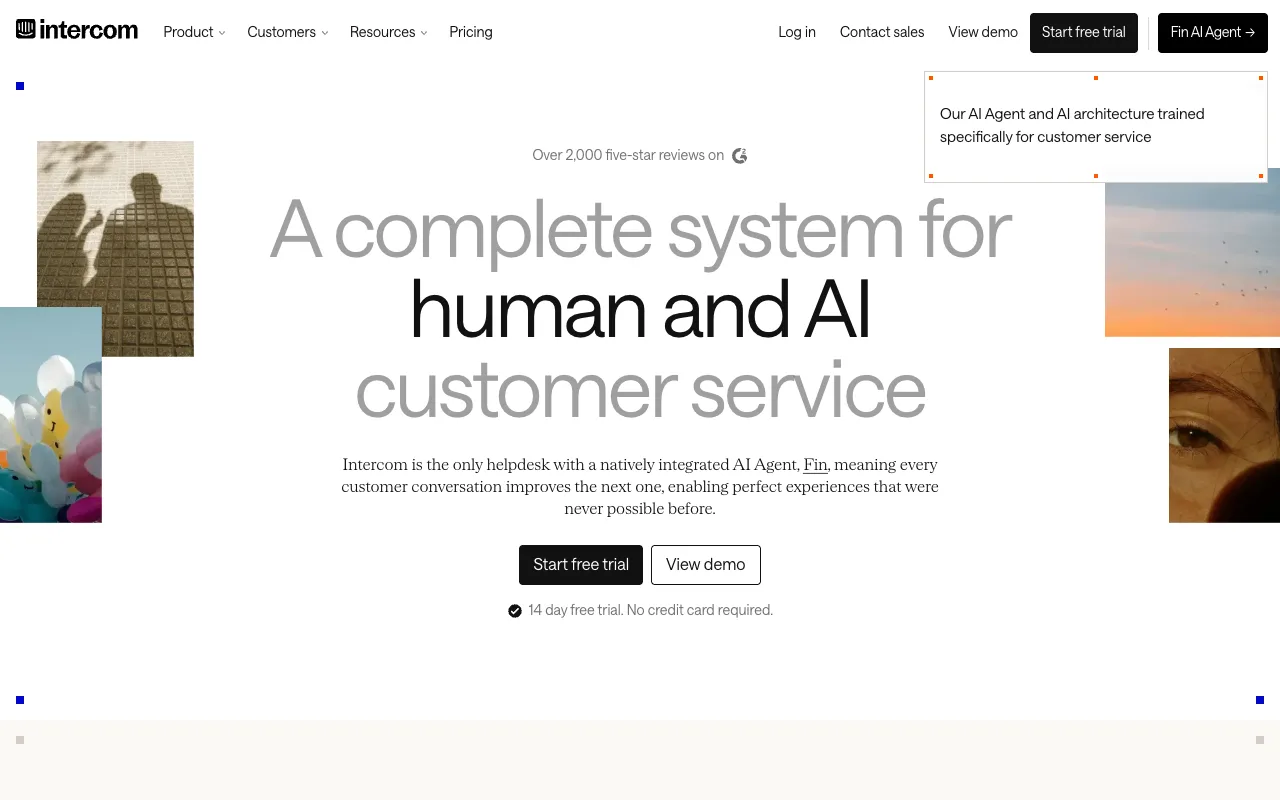
Intercom’s Essential plan is $29 per seat per month billed annually, with a shared inbox and ticketing system, prebuilt reports and a public help centre on its pricing page. Fin, the AI agent, bills from $0.99 per outcome on top of the seats.
Stay if customers message you in your app or website first. Do not price it as an email queue, because every outcome Fin resolves is metered. Intercom pricing works through both.
Front, for ticketing that can add channels later
Front’s Starter is $25 per seat per month billed annually and caps at 10 seats on the Front pricing page. Starter lists a shared inbox and ticketing, AI Topics, up to 10 automation rules and basic analytics.
Stay on Starter if email is the channel and you may add SMS or social later. Macros and advanced analytics start at Professional, and 10 seats is the other wall. Front pricing has what each tier gates.
Microsoft 365 and Google groups, for no extra seat
Both cost nothing beyond your existing accounts. Google’s help for groups documents the group email address and who may post to it. Microsoft’s documentation for shared mailboxes says a shared mailbox usually needs no licence of its own, and everyone with access can reply from the shared address.
Both give you the address and the reply. Neither gives a message a state, an owner or a list of what is still open, which is enough at low volume. Google Groups alternatives covers where that route runs out.
When an email ticketing system is more machinery than the job needs
Statuses, routing rules, groups, views and reports are all things somebody sets up and keeps true, and the first hours of a new support tool go into that configuration. A team of two or three usually does not need it yet.
The signal is what the mail has to produce: a response time you have to hit, a volume number somebody asked for, or questions arriving on a second channel. Until one of those is true, a shared inbox with one owner per thread does the same work. Shared inbox vs help desk decides it, and the best shared inbox software is the list on the other side.
Where Chirp fits
Chirp is a shared inbox for small software teams that track work in Linear, at $9 per user per month on one plan, every feature included. Press i in a thread to link, create or search a Linear issue, snooze until the issue is done, and the thread reopens with a draft that names it.
Rules close, tag, assign and snooze threads and write drafts, and no rule can send email. Chirp is not a ticketing system: no response clock, no portal, no macros, no reporting. What a shared inbox is covers that category.
FAQ
What is an email ticketing system?
A mailbox plus a record. Each message to the support address becomes an item with a state, an owner and a history, so two people can see who is answering and what is still open. What a support ticket is covers the states.
What is the best email ticketing system?
Match the tool to what the ticket has to produce. A team that needs a free queue should price Help Scout, one that needs routing and reports should look at Zendesk, and one that answers chat as well as email should price Intercom.
What is the best free email ticketing system?
Help Scout’s free plan covers five users, one inbox and 100 contacts a month. Freshworks documents its free program as six months for up to two agents. A Google group or a Microsoft shared mailbox tracks no state.
Next step
If you are pricing one of the five, decide the response time you will promise before you pick a tier, and what a support SLA is covers what that commits you to.
Competitor prices checked October 2026.