

You run support@ on a Google Group. It costs nothing, it delivers, and customers hear back. The first question is
whether to leave at all, and the second is what to move to if you do.
The short answer: keep the group if the address is a list, and move if a customer thread needs an owner. The alternatives are a shared Gmail login, a shared mailbox, Missive, Front, Help Scout and Chirp, and each one fits a different team. Every price below links to the vendor page it came from.
Keep the group if it is still a list
Google Groups is free with a Google account, and it is the right answer for some addresses. Its Collaborative Inbox group type adds Take, Assign, Drop and Mark as complete to the web view, which is more workflow than most free options offer, per Google’s documentation.
Keep it if:
- The address is an announcement or notification list. Mail fans out to members, nobody owns a reply, and that is the intent.
- Fewer than three people read it and the volume is a handful of messages a day.
- You answer by hand, quickly, and no customer has waited on a thread.
Leave it when a customer thread needs more than delivery. What a collaborative inbox is, and when it breaks makes that case in full, and this page starts after that decision.
What each alternative is for
| Option | What you pay | Who it suits |
|---|---|---|
| A shared Gmail login | Nothing beyond the Google account | Two or three people who will share one login |
| A shared mailbox | Included in the plan you already have | Teams where replies must leave from the address |
| Missive | $14 per user per month, Starter, billed yearly | Teams that want an email client with collaboration on top |
| Front | $25 per seat per month, Starter, billed yearly, 10 seats | Teams with a support function and more than one channel |
| Help Scout | Free for 5 users, 1 inbox and 100 contacts a month; Standard $25 per user per month | Teams that want a ticket queue and a docs site |
| Chirp | $9 per user per month, one plan | Software teams on Linear that answer their own support |
Front and Help Scout are help desks with a shared inbox attached; Missive and Chirp are shared inboxes. Shared inbox vs help desk covers which shape a two-to-twenty person team needs.
A shared Gmail login or a shared mailbox
A shared Gmail login is the cheapest move and the one most small teams make. Everyone signs in to the same account,
so everyone sees the same Inbox and Sent folder, and the reply leaves from support@. Nothing records who answered
what, and two people can send the same answer twice.
Google’s delegated access is the better version of the same idea: one person owns the mailbox, and others read it and send from it without the password. Google’s documentation covers how an admin grants it.
A shared mailbox is the Microsoft 365 answer, and the first option to check if you already pay for that. It is one mailbox with its own address and one history, and several people open it. Shared mailbox vs distribution list covers how the address itself changes what the team can do.
Neither fixes the queue. What a shared inbox is covers the parts a mailbox does not have on its own.
Missive and Front
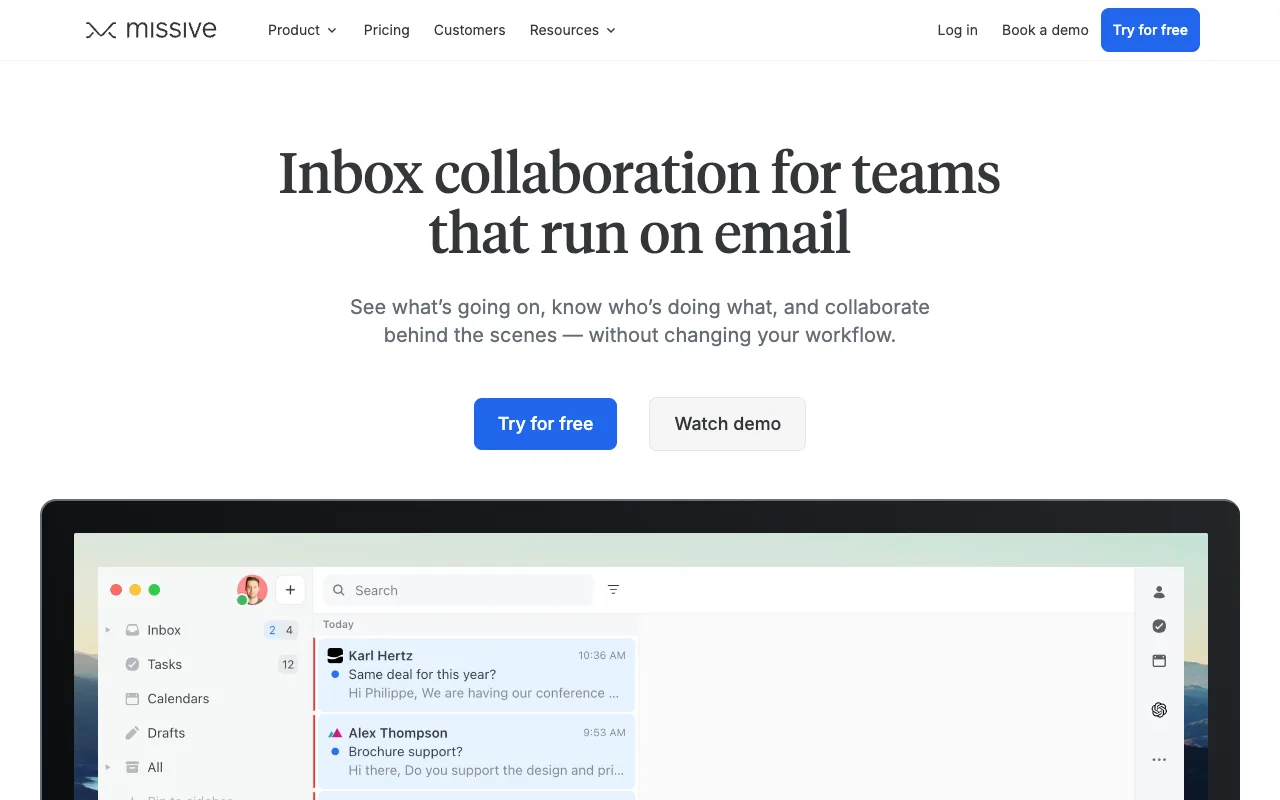
Missive has three tiers on yearly billing: Starter at $14 per user per month, Productive at $24 and Business at $36, with a 30-day trial and no free tier, per its pricing page. Pick it if your team works out of one inbox and wants an email client first. Its entry price is $11 a seat per month below Front’s.
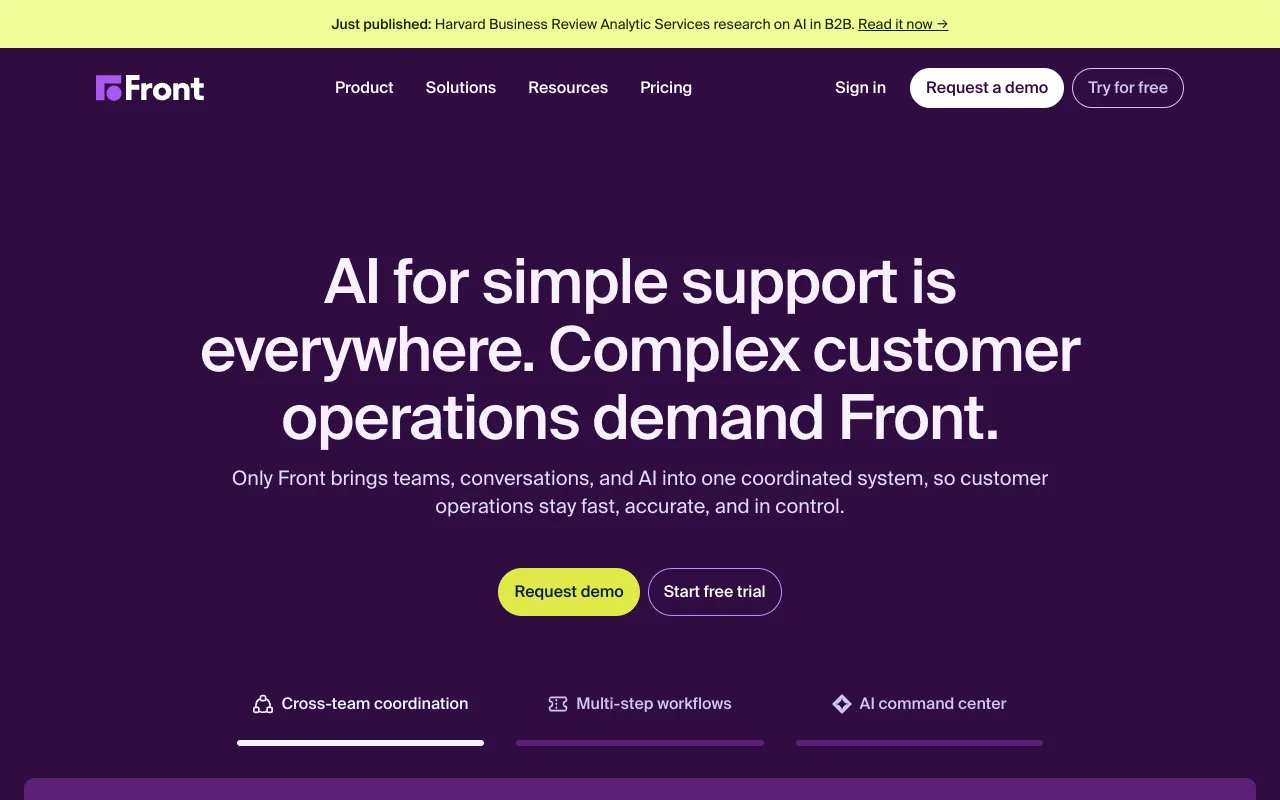
Front starts at $25 per seat per month on annual billing and caps Starter at 10 seats. Professional is $65 and Enterprise is $105, and both route through a demo request, per Front’s pricing page.
Pick it if support is somebody’s job and you answer more than email. The demo gate is the part to notice: a team of 11 cannot buy the plan it can self-serve.
More on each: Missive alternatives and Front alternatives.
Help Scout
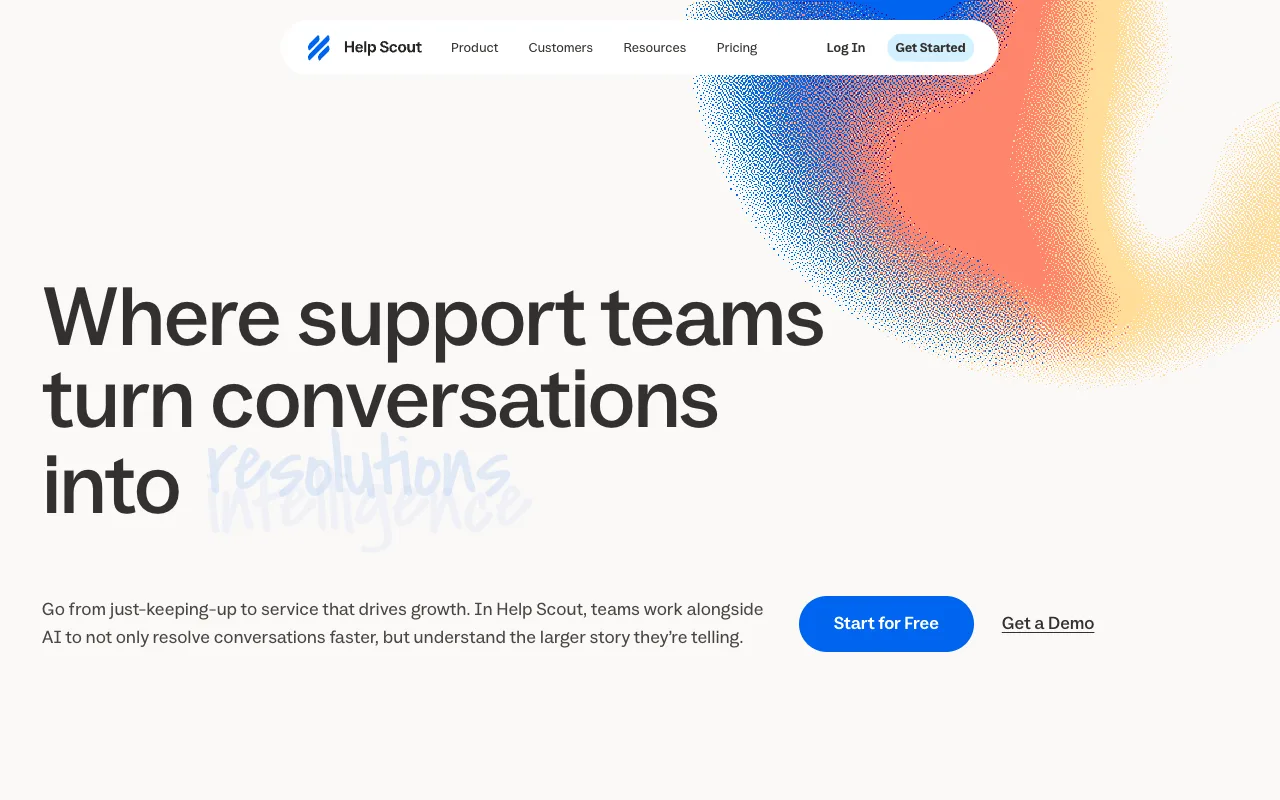
Help Scout has a permanent free plan: 5 users, 1 inbox and 100 contacts a month. Standard is $25 per user per month and Pro is demo-gated, per Help Scout’s pricing page. Pick it if you want a ticket queue, a knowledge base and a customer portal, and running support as a queue suits how your team works.
It is the heaviest fit of the six when support is the second job of the people who ship the fix. Help Scout alternatives works through that trade.
Chirp for a team on Linear
Chirp is a shared inbox for small software teams that track work in Linear, at $9 per user per month on one plan with every feature included. It is built for the case where support is a side job and the thread has to connect to the issue that answers it.
Press i in a thread to link, create or search a Linear issue. Snooze until done, and when every linked issue is
Done or Canceled the thread reopens with a drafted reply that names the issue. The Issues view (g i) ranks linked
issues by how many customers are waiting.
Rules can close, tag, assign, snooze and write drafts, and they have no send action, so nothing reaches a customer without a person sending it. Chirp connects to Gmail, Google Workspace or IMAP and keeps the mailbox as the record. Per-inbox access is enforced by the server on every read, with the roles Admin, Agent and Viewer.
FAQ
Is there a free Google Groups alternative for support? Yes. A shared Gmail login or a shared mailbox costs nothing beyond the account you have, and Help Scout’s free plan covers 5 users, 1 inbox and 100 contacts a month.
Is Google Groups still relevant? For an announcement list or a community group, yes. For a support address where a customer thread needs an owner, it is the weaker shape.
What is the Microsoft equivalent of Google Groups? A Microsoft 365 distribution group, which forwards mail to its members the way a Google Group does. A shared mailbox is the Microsoft option that keeps one record and sends as the address, and Microsoft documents how one works. Shared mailbox vs distribution list covers the difference for a support address.
Do you have to pay to get assignment on a shared address? No. Google’s Collaborative Inbox group type includes Take, Assign and Drop. The paid tools add per-inbox access and a link between a thread and the issue that fixes it.
Next step
If the address is the thing you are setting up rather than the tool, what a shared inbox covers the parts to agree before anyone replies.
Competitor prices checked October 2026.