

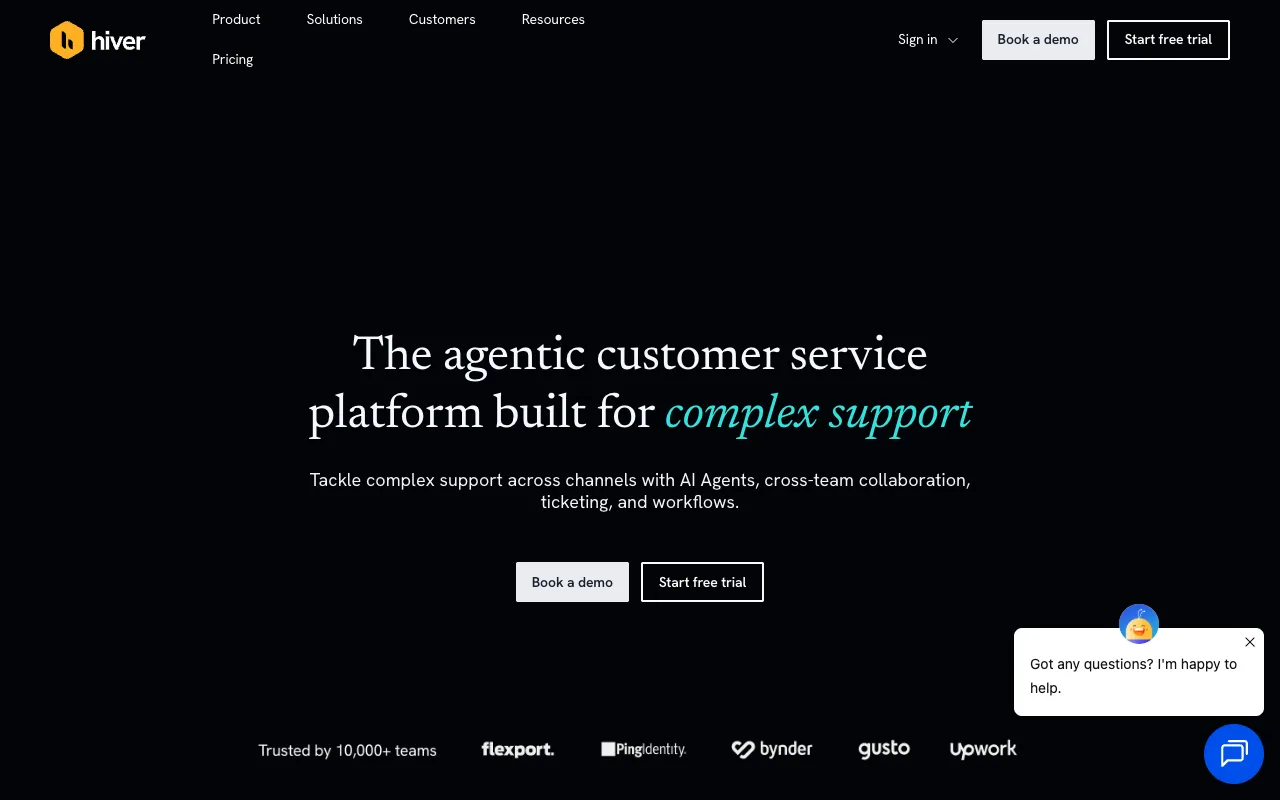
You want support@ to stay in Gmail, and Hiver is the tool that makes that work. It turns a shared address into a
shared inbox with assignment and statuses. For plenty of small teams that is the end of the search.
Stay on Hiver if staying inside Gmail is the point and $25 per user per month is acceptable. Move to Missive for a standalone email client at $14, to Help Scout if you want a ticket queue with a free plan for five users, or to a Google Group if you want to pay nothing. Front is the pick when support has become a function with routing and reports. Chirp is the one here built for a team that tracks the fixes in Linear, at $9 per user per month.
Who should stay on Hiver
Two products share the name now. Hiver in Gmail is the Chrome extension that puts shared inboxes inside Gmail, and Hiver Omni is a standalone platform for teams that answer chat, voice and email in one place. Hiver’s pricing page opens on the Omni tab, and the Gmail product has its own pricing page.
That page lists three tiers: Growth at $25 per user per month billed annually, or $35 monthly, Pro at $55 and Elite at $85, with a 7-day trial of Elite. Its pricing FAQ refers to a free plan after the trial.
Stay if the Gmail requirement is hard. Your team already lives in the mailbox, and the extension adds assignment and statuses where the mail already is. Hiver covers the Linear loop too: its Linear integration creates, edits and links issues from a conversation and alerts the team when the issue closes. If Gmail is not a requirement, the rest of this page is a price comparison.
What each alternative costs
Every price below links to the vendor’s own page. Prices move, so check before you commit.
| Tool | Entry price | Free tier or trial | Who it suits |
|---|---|---|---|
| Hiver | $25/user/mo billed annually | 7-day trial of Elite; the FAQ refers to a free plan | Teams that want the shared inbox to stay inside Gmail |
| Missive | $14/user/mo billed yearly | 30-day trial, no free tier | Teams that want a standalone email client with shared inboxes |
| Front | $25/seat/mo billed annually, up to 10 seats | Trial only | A support function with routing, macros and reports |
| Help Scout | $25/user/mo | Yes: 5 users, 1 inbox, 1 Docs site, 100 contacts a month | Teams that want a ticket queue and a knowledge base |
| Google Groups or a shared Gmail login | Included with your Google account | Yes | Teams that want the address shared and will do the rest by hand |
| Chirp | $9/user/mo | None yet | Software teams of 2 to 20 that track work in Linear |
Two rows are free in a way worth naming. A Google Group with Collaborative Inbox switched on gives assignment, take, drop and a resolved status on an address you already own, per Google’s documentation. Help Scout’s free plan covers five users and one inbox, so you can test whether a ticket queue fits before paying.
Most lists for this query mix shared inboxes with help desks, and a reader who cannot tell them apart cannot use the list. Shared inbox vs help desk works through which shape a small team needs.
Which alternative fits which team
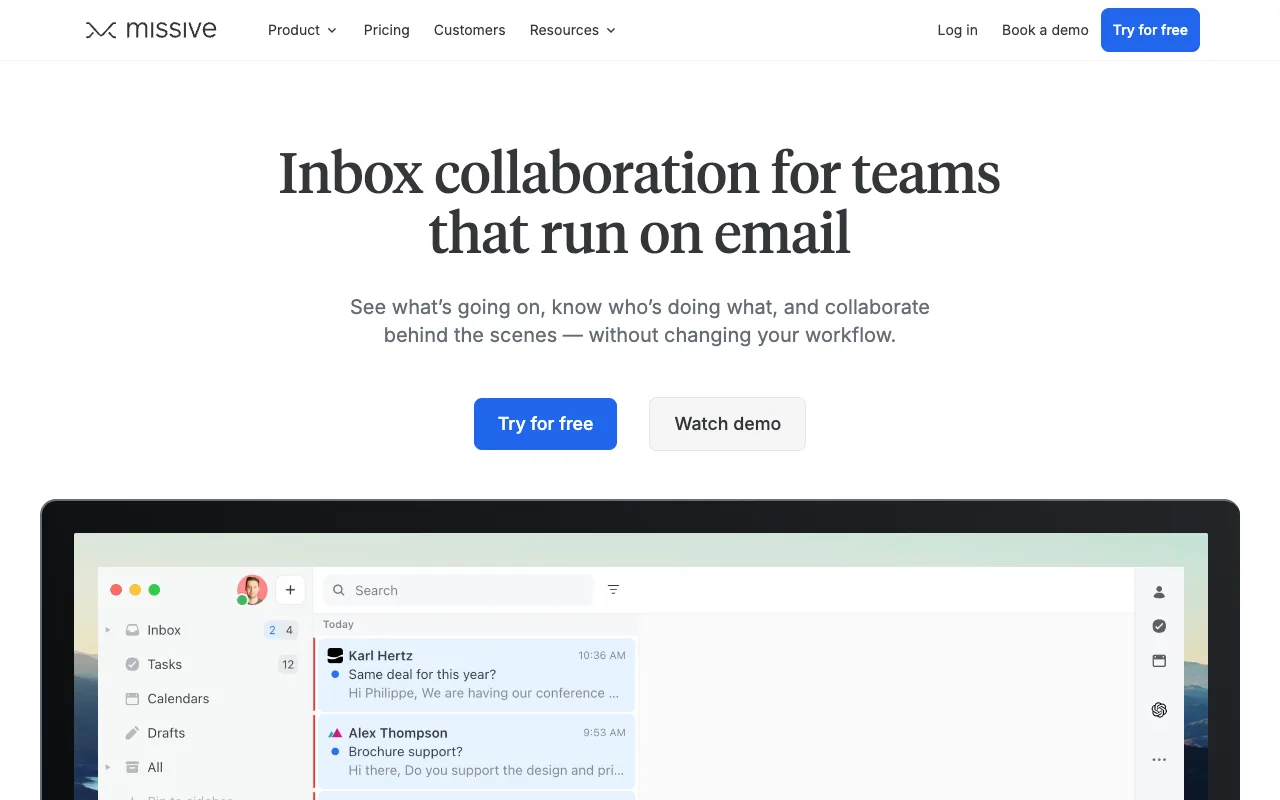
Missive is the closest match on feel. Starter is $14 per user per month billed yearly, with a 30-day trial and no free tier, and the work happens in a real email client rather than a Gmail extension. Missive alternatives covers the full comparison.
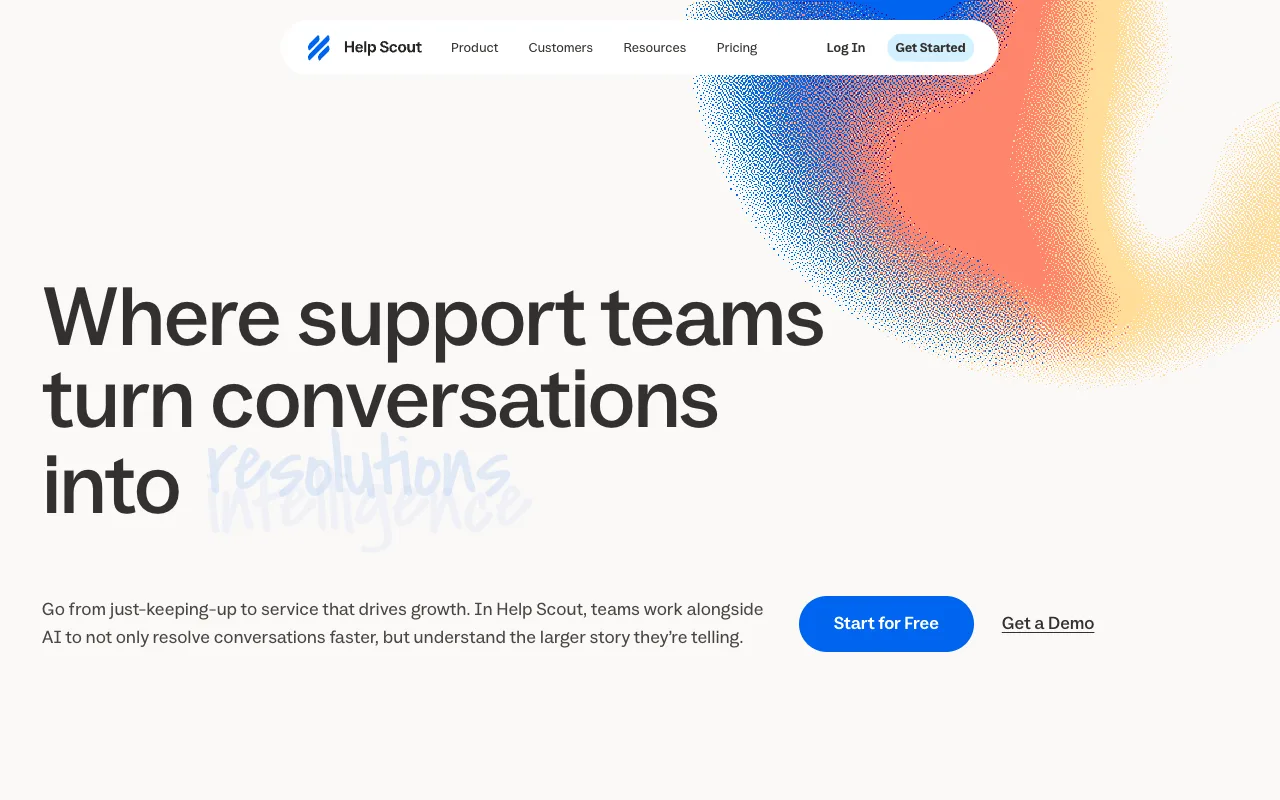
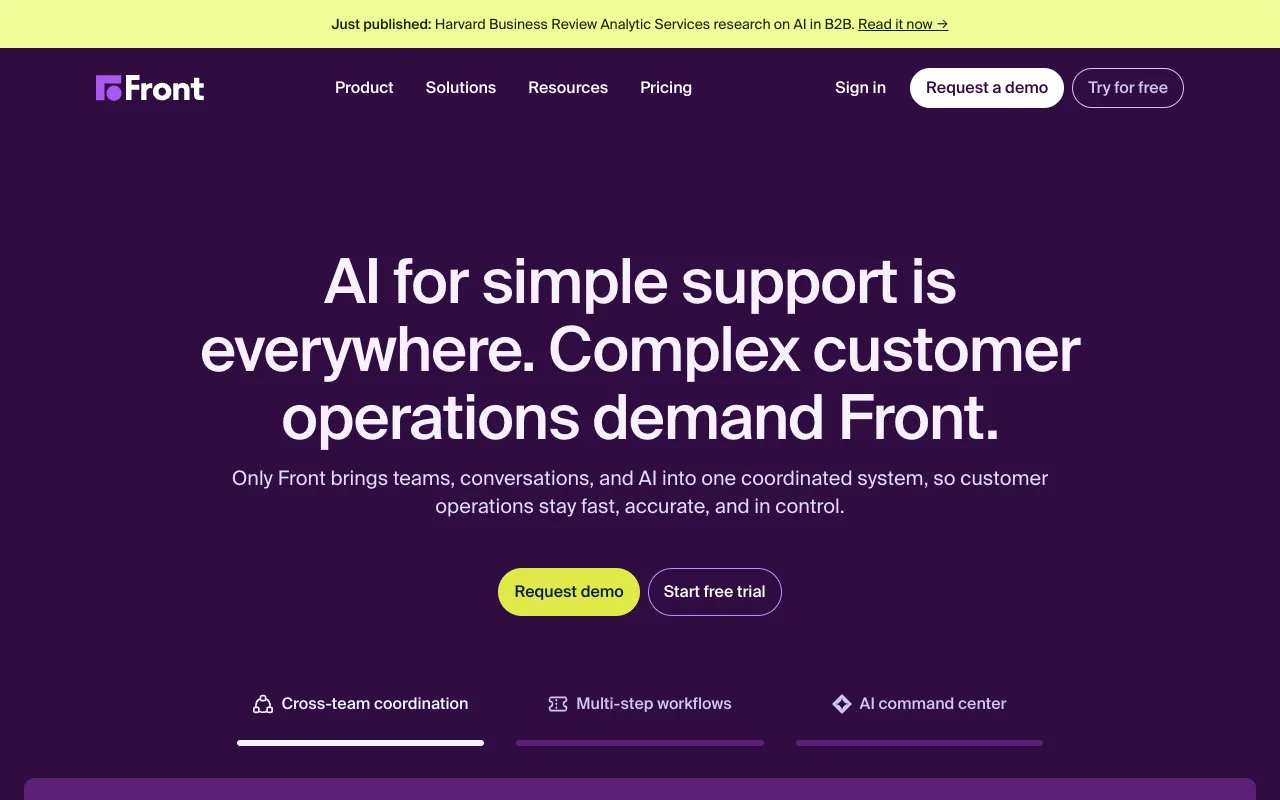
Help Scout is the pick when you want a queue and a knowledge base, and its free plan is the only permanent free tier in the table above. Front suits a team that has become a support function, with routing, macros, reporting and a Starter seat cap of 10. Help Scout alternatives and Front alternatives have the tier detail, and Zendesk alternatives covers the support department’s version of the same choice.
The free path is a Google Group or a shared Gmail login. Both keep the address where it already is, and neither warns you that a teammate is typing.
The issue loop back to Linear
Hiver covers the loop. Its Linear integration creates, edits and links an issue from a conversation, and the page says the support team is alerted when the issue closes in Linear, so nobody has to watch the tracker.
Chirp does the same first step and a different last one. Press i in a thread to link, create or search a Linear
issue, then snooze the thread until the issue is done. When every linked issue is Done or Canceled, the thread
reopens with a drafted reply that names the issue, ready for someone to read and send. The Issues view (g i) sorts
linked issues by how many customers are waiting.
Chirp is a shared inbox rather than a help desk, over Gmail, Google Workspace or IMAP, with per-inbox access checked on every read and roles for Admin, Agent and Viewer. Automation rules can close, tag, assign and snooze threads and write drafts, and they have no send action, so no rule can email a customer on its own.
What users complain about
Hiver’s own feedback board is public and dated, which makes it the checkable place to read criticism. The recent posts are about the Gmail extension’s interface, not the shared inbox underneath.
I would like to put in a request to have the shared inbox list shown on the same view rather than needing to manually switch to see who is assigned in what update (ie going back to how it was before the update). This new display is very annoying when you’ve been auto-assigned to something in multiple shared inboxes and need to click though to find which inbox you are assigned in
That is Isabelle Bavetta on Hiver’s feedback board, 31 August 2026. The post has 2 votes and no reply from Hiver.
Two more reports point the same way. Marco Tironi reported on 1 September 2026 that Gmail’s top bar becomes unreachable when the page pans, and Emil Gaarde reported on 27 July 2026 that the Hiver icon shifts Gmail’s previous and next arrows. Each has 1 or 2 votes, and none has a reply.
Read those as three individuals, not a consensus. All three are about the extension’s layout rather than missed mail, deliverability, security or price, and the board is mostly feature requests.
FAQ
What are some good Hiver alternatives? Missive at $14 per user per month is the closest standalone email client, Front at $25 per seat suits a support function, and Chirp at $9 is built for teams on Linear. Stay on Hiver if a shared address inside Gmail is the only requirement.
Is there a free Hiver alternative? Yes, two. Help Scout’s free plan covers 5 users, 1 inbox, 1 Docs site and 100 contacts a month. A Google Group with Collaborative Inbox enabled gives assignment and a resolved status on an address you already own. Hiver’s pricing FAQ refers to a free plan after its 7-day trial, but no free tier appears in its pricing table.
How much does Hiver cost? Growth is $25 per user per month billed annually, or $35 monthly. Pro is $55 and Elite is $85 on annual billing, per Hiver’s pricing page.
Is Hiver only for Gmail? No. Hiver in Gmail is a Chrome extension, and Hiver Omni is a standalone platform for chat, voice and email. The pricing page lists them on separate tabs and pages.
Can I use Hiver with Linear? Yes. Hiver’s Linear integration creates, edits and links issues from a conversation and alerts the team when the issue closes. Chirp’s answer is a drafted reply: when every linked issue is Done or Canceled, the thread reopens with a reply that names the issue.
Next step
If the decision is a shared inbox, next settle how assignment, visibility and identity work when four people answer one address. What a collaborative inbox is, and when it breaks covers the setup and the ways teams get it wrong.
Competitor prices checked October 2026.